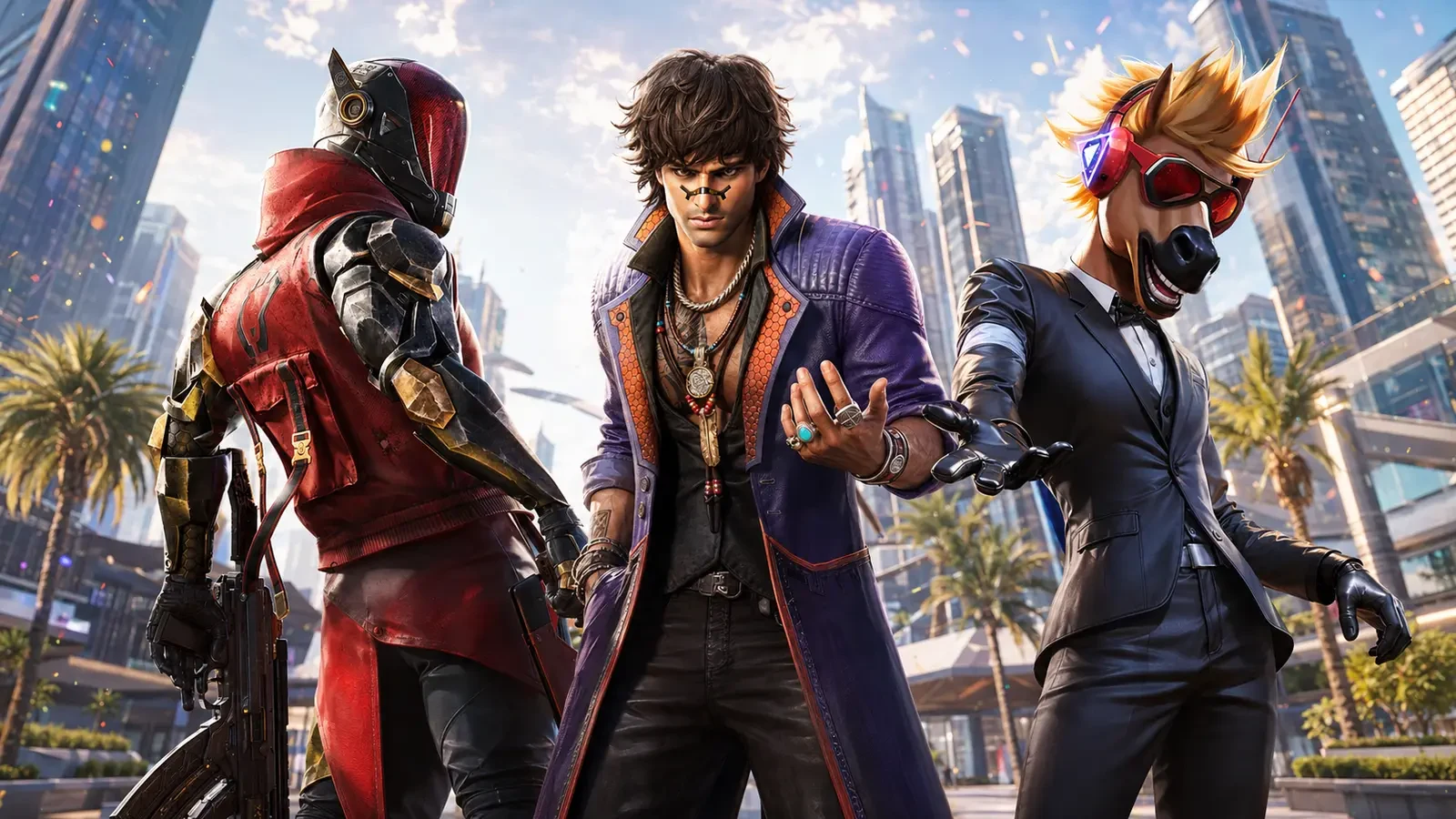
Blood Strike's official One-Punch Man collaboration is running from 1 July through 31 July 2026, with several limited rewards available through event activities. The publisher confirms three main free routes: the Exploration Event, cumulative check-ins, and Collab Gift Distribution missions.
The headline free rewards include the Ethan – Mumen Rider skin, the SKS – Mumen Rider weapon skin, and the Parachute – Saitama cosmetic. Each reward follows a different progress path, so players should open the live event page, read the requirements shown on their account, and claim completed rewards before the displayed deadline.
This guide covers confirmed free content only. It does not recommend randomised purchases or assume that every regional interface is identical. If the live game shows a different requirement or timing, follow the current official in-game notice.
What Blood Strike officially confirmed
NetEase announced the collaboration on 1 July 2026. The official event page states that the overall collaboration and its main free activities run until 31 July. It identifies three reward programmes with different tasks.
| Activity | Confirmed period | Highlighted free reward |
|---|---|---|
| Exploration Event | 1–31 July 2026 | Ethan – Mumen Rider |
| Collab Check-in | 1–31 July 2026 | SKS – Mumen Rider after 18 cumulative login days |
| Collab Gift Distribution | 9–31 July 2026 | Parachute – Saitama, Gold and other mission rewards |
The announcement says friend support can accelerate progress in Collab Gift Distribution. It does not mean players should share accounts or login codes. Support should happen only through the official event feature while each player remains in control of their own account.
How to find the collaboration safely
Begin inside Blood Strike rather than following an unknown message or copied link. Update the game through its official store page or launcher if the collaboration banner is missing. After opening the game, inspect the event centre and look for the One-Punch Man collaboration page.
- Launch the official Blood Strike application.
- Open the Events area from the lobby.
- Select the One-Punch Man collaboration section.
- Read the timer and requirements shown for your region.
- Check each activity tab instead of assuming one task unlocks every reward.
- Claim finished rewards before leaving the page.
Never give another person your password, recovery information, or one-time verification code. A legitimate event mission should be completed through the game. If a page asks for sensitive login details outside the official service, close it and return through the game client.
Exploration Event: work toward Ethan – Mumen Rider
The Exploration Event runs throughout the collaboration period and offers the limited Ethan – Mumen Rider skin as its featured free reward. The official announcement says players can participate in Exploration, complete missions, and claim the skin alongside other collaboration rewards.
Because mission lists can vary or update, this guide will not invent a fixed number of matches or points. Open the Exploration tab and record the exact objectives visible on your account. Prioritise missions that can be completed together during normal play.
A practical mission routine
- Review all active tasks before starting a match.
- Choose a mode that is explicitly accepted by the event.
- Group compatible tasks, such as participation and team objectives.
- Check progress after every few matches rather than guessing.
- Claim completed stages so the next stage can appear if required.
Do not leave matches early merely because one objective appears complete. Finishing the match protects your normal team experience and reduces the chance that progress fails to register.
Check-in reward: plan for 18 cumulative days
The official event page says the SKS – Mumen Rider skin unlocks after 18 cumulative login days during the July 1–31 check-in period. “Cumulative” means the required days add together; the announcement does not say they must be consecutive.
Even so, delaying until the final days creates unnecessary risk. A simple calendar reminder helps players open the official game, visit the event page, and confirm that the daily check-in has registered.
Daily check-in checklist
- Open Blood Strike on a stable connection.
- Visit the collaboration check-in page.
- Tap the available claim button if one is shown.
- Confirm the cumulative counter has increased.
- Close the game normally after the reward appears.
Logging into the lobby may not always equal claiming the event reward. The event page is the best place to verify progress. If a day does not register, use official support rather than attempting unofficial fixes.
Gift Distribution: missions and friend support
Collab Gift Distribution runs from 9–31 July. NetEase states that completing its missions can provide Gold and the Parachute – Saitama reward. The official announcement also says friend support can speed up progress.
Use the collaboration's built-in support feature only. Do not pay strangers for support, install scripts, or share an account. Genuine teammates can coordinate when they are online, complete eligible activities, and use the official interaction offered by the event.
Team coordination that keeps progress simple
- Agree on a short session time that works for everyone.
- Confirm which event missions accept team play.
- Use clear, respectful communication during matches.
- Return to the event page together and verify progress.
- Stop once the planned tasks are complete.
A reliable small group is usually easier to coordinate than a large list of unknown players. The goal is steady official progress, not risky shortcuts.
Which free reward should you prioritise?
Players with limited time should begin with the reward path that has the strictest calendar requirement. The SKS check-in reward requires 18 cumulative days, so it benefits most from early attention. Exploration and Gift Distribution involve missions, but the exact workload should be checked in the live game.
| Player situation | Suggested first step |
|---|---|
| Can log in briefly each day | Secure the cumulative check-in first |
| Can play longer sessions | Combine Exploration and Gift Distribution missions |
| Usually plays with friends | Check the official support feature and eligible team tasks |
| Started the event late | Count remaining days before planning any reward |
No cosmetic is worth compromising account safety. If there are not enough days left for a reward, avoid anyone promising to bypass the official requirements.
How Ethan fits a supportive squad
The free collaboration skin is attached to Ethan, so the event can be a good reason to practise the Striker. A cosmetic does not change the need to understand the current skill descriptions, cooldowns, and team role shown in the game.
Enter the training area or a low-pressure mode before taking an unfamiliar Striker into Ranked. Learn the visual effects, identify when the skill is available, and communicate before relying on it during a team fight.
Useful habits for any support-oriented player
- Stay close enough to assist without copying a teammate's exact position.
- Watch the squad status before chasing an isolated opponent.
- Use cover while preparing a supportive action.
- Call out cooldowns when teammates are planning a push.
- Reset together after a difficult fight instead of separating.
These habits remain useful even after the collaboration ends. The skin provides a new presentation, while teamwork determines whether the squad benefits.
Safe event and account practices
Popular collaborations attract fake giveaways, copied pages, and offers that ask players to hand over account access. Use official Blood Strike channels and the in-game event centre as your primary sources.
- Do not share passwords, recovery codes, or verification messages.
- Do not install unofficial tools claiming to complete missions automatically.
- Avoid offers that promise impossible or unlimited event progress.
- Check the domain and publisher behind every announcement.
- Ask a parent or guardian before making any optional purchase.
- Remember that the confirmed rewards in this guide can be pursued through free activities.
If a reward does not arrive, capture a simple screenshot of the event counter and contact official support. Do not repeatedly submit sensitive personal information through social-media messages.
Final July 31 claim checklist
The collaboration's free-reward window is clear: the Exploration and check-in activities run from July 1–31, while Gift Distribution runs from July 9–31. Complete tasks and make final claims before the timer displayed on your account expires.
- Confirm the Ethan – Mumen Rider Exploration progress.
- Check whether 18 cumulative login days are recorded for the SKS reward.
- Finish eligible Gift Distribution missions.
- Claim the Parachute – Saitama and other completed rewards.
- Check your inventory after each successful claim.
- Keep the official support page available in case an item is missing.
Before relying on any social post, compare it with the date and wording of the official announcement. Older videos may show a different interface, while regional versions can display tasks differently. Recording your visible counter and claim status is more reliable than copying another player's progress plan.
The safest strategy is consistent progress through official activities. There is no need to rely on account sharing, automation, or unverified shortcuts. Review the event page today, complete compatible missions together, and claim each reward as soon as it becomes available.
Research source: Blood Strike's official One-Punch Man collaboration announcement, published 1 July 2026.
Top Up Your Favourite Games
If you're looking for a trusted place to top up your favourite games including Free Fire, PUBG Mobile, Mobile Legends, Blood Strike, and Call of Duty, visit HTGTopUp.com for fast digital game top-up services. Website: https://htgtopup.com.