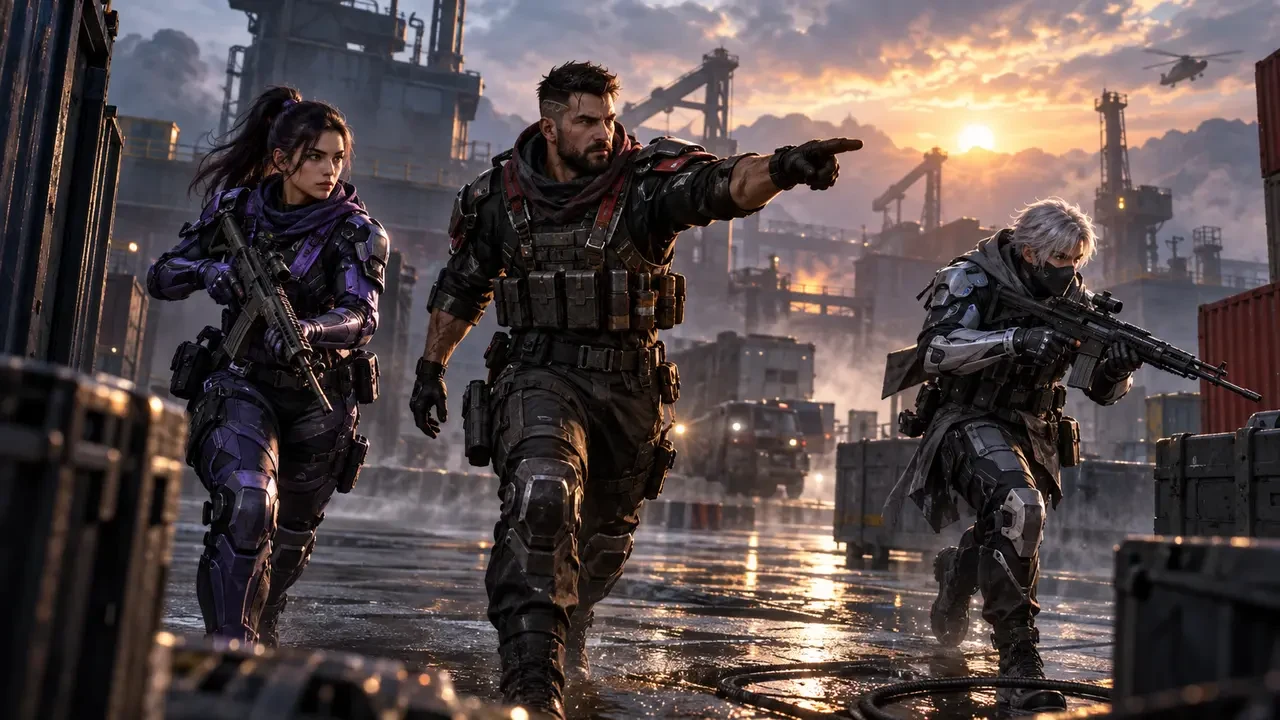
What is confirmed for the September 15 Squad Giveaway?
Blood Strike’s official September 1 update announcement lists a Squad Giveaway scheduled to begin on September 15, 2026. The publisher says players can team up with friends and complete missions to unlock giveaway rewards, with the Eternal Limited MCX – Ascendant gun skin guaranteed. The announcement also identifies an exclusive inspect animation as part of the skin.
Those are the confirmed headline details. The announcement does not publish every mission requirement, regional reset time or closing date in the same entry. Check the live event panel inside your current game version before planning a session, because the displayed rules and timer are the authoritative instructions for your account.
This guide therefore focuses on preparation, squad organization and efficient mission habits. It does not assume unannounced task values, claim that every activity counts or promise a reward without completing the conditions shown in game.
Why a squad plan matters
A team event changes the objective from simply playing more matches to coordinating the right matches with eligible teammates. If one person launches the wrong mode, leaves early or has not joined the event correctly, the group may spend time without progressing the intended task. A short check before matchmaking prevents most avoidable confusion.
Create the squad first, then ask every member to open the event page and compare the visible requirements. Confirm whether progress is personal, shared or dependent on playing together. Do not infer this from the word “squad”; follow the wording beside each mission.
Choose one player to read the mission aloud and another to check progress after the match. This takes less than a minute and gives the team a clear answer about what counted.
The five-minute pre-match checklist
- Update the game: Install the current official version and restart it after updating.
- Open the event: Read the mission description, timer, reward track and claim conditions.
- Confirm eligibility: Make sure each intended participant can see the same event and has joined or activated it if required.
- Pick the correct mode: Select only a mode explicitly accepted by the mission text.
- Keep evidence: Take a private screenshot of the mission page and current progress before the first match.
A screenshot is useful when teammates remember a requirement differently or progress appears delayed. Keep account identifiers and private details out of public posts. The goal is simply to preserve the wording and starting value visible on your device.
Build a reliable mission squad
The best event squad is not necessarily the group with the highest individual rank. Reliability matters more: members should join on time, understand the task and communicate when they need to stop. Invite players whose schedules overlap and who can complete a short block of matches without repeated lobby changes.
Use simple roles. A lobby leader handles mode selection and rematching. A mission checker reads conditions and confirms progress. An in-game caller keeps movement and objectives organized. The fourth member can watch resources, revives or transport depending on the mode. Roles can rotate, but assign them before the first queue.
If a teammate cannot see the event, do not pressure them to continue. Ask them to restart, verify the update and check official support information. Proceed only after the squad understands whether that player’s matches can contribute.
Turn mission text into one clear objective
Event missions are easiest when translated into a single match goal. If the panel asks for participation, prioritize completing valid matches. If it names survival, placement, eliminations or another action, organize the route around that condition. Do not chase a different highlight simply because it is more exciting.
Repeat the exact goal before deployment. Use a callout such as “valid completion first” or “stay grouped for the named action.” Short language reduces disagreement during a fight and helps newer teammates contribute.
Avoid combining too many personal challenges with event progress. Weapon mastery, ranked pushing and experimentation can pull the team in different directions. Finish the limited mission objective first, then use remaining matches for optional goals.
Choose safe routes and controlled fights
Squad missions reward consistency when the team must remain together or complete repeatable actions. Land or deploy where the team can gather equipment without immediately splitting across several buildings. Mark a regroup point before anyone loots.
Take fights the squad can enter together. A lone push may create an exciting elimination but can also force the remaining players into a rescue attempt that wastes the match. Use cover, share enemy direction and wait for teammates to reach supporting angles.
When the mission does not demand constant combat, disengagement is a valid tool. Rotate before a bad position becomes a trap, preserve resources and return to the stated task. Efficient event progress comes from valid outcomes, not from treating every encounter as mandatory.
Use a three-match verification cycle
Start with one test match rather than committing to a long session. After it ends, return to the event page and check whether the expected counter changed. If it did, repeat the same valid setup. If it did not, reread the conditions before playing again.
A practical cycle is test, verify and repeat. After several successful matches, pause to confirm all members still see progress. This protects the group from silently using the wrong mode or overlooking a condition.
If progress updates slowly, avoid immediately playing many more matches or repeatedly changing settings. Record the time, mode and result, then allow for any delay stated by the game. Persistent problems should go through the official support route with the relevant evidence.
Claiming the MCX – Ascendant reward
The official announcement says the MCX – Ascendant gun skin is guaranteed through the Squad Giveaway missions. “Guaranteed” still means the stated mission and claim requirements must be completed; it should not be read as an automatic login gift unless the live event panel explicitly says so.
When the reward becomes claimable, use the event page’s claim control and then inspect the appropriate inventory or weapon customization area. Confirm that the item belongs to the account used for the missions. If the panel includes staged rewards, claim each eligible stage rather than assuming the final reward collects everything automatically.
The exclusive inspect animation is a cosmetic presentation feature named by the publisher. It does not establish a gameplay-stat advantage. Judge loadout choices using the live weapon information and your own handling preferences, not the skin’s visual tier.
Common mistakes to avoid
- Starting matches before every member checks the event page.
- Assuming any squad mode counts without reading the mission.
- Changing the squad repeatedly when conditions may depend on playing together.
- Leaving a match early before a completion condition is recorded.
- Expecting a counter to update without returning to the event page.
- Waiting until an unverified “last day” shared on social media.
- Sharing login codes or passwords with someone offering to complete missions.
Account boosting offers create unnecessary risk. A teammate needs an in-game invitation, not your password, one-time code or recovery details. Keep account access private even when an event has a limited timer.
How this event fits the September update
The same official version announcement introduced VOX, the G36, Duel mode and anniversary activities. It states that Duel uses a narrow battlefield, has a multi-round structure and is won by taking five rounds first or holding more round points after all nine rounds. These details are separate from the Squad Giveaway.
Do not assume Duel, the Strike Pass or another anniversary activity automatically advances the Squad Giveaway. Use another feature only when the live giveaway mission explicitly identifies it. Separating event panels prevents the team from confusing rewards that share the same update.
The update also lists a Banana Spotlight Strike Pass running from September 15 to October 14. That pass has its own premium and elite rewards. Its dates should not be applied to the Squad Giveaway unless the giveaway panel separately confirms them.
A simple session plan
Before the session
Update the game, form the squad, open the event and agree on the first valid mission. Set a realistic stopping time so nobody leaves unexpectedly.
During the session
Use one caller, stay within supporting distance and focus on the mission’s named action. Avoid unnecessary lobby changes or experimental modes.
After each test
Check the counter and compare progress across the squad. Repeat only when the setup is confirmed to work.
At completion
Claim the available reward, verify it in the correct inventory and keep the transaction or event record until everything appears correctly.
Frequently asked questions
Is the MCX – Ascendant skin confirmed?
Yes. Blood Strike’s September 1 announcement says the Eternal Limited MCX – Ascendant gun skin is guaranteed through the September 15 Squad Giveaway missions.
What are the exact missions?
Use the live in-game event panel. The official update summary confirms team missions but does not provide every requirement in the announcement.
When does the giveaway end?
The cited update confirms the September 15 start but does not state a closing date for this giveaway. Follow the countdown shown on your event page.
Do I need to buy the Strike Pass?
The announcement describes the Squad Giveaway and the new Strike Pass as separate items. Do not assume a purchase is required unless the giveaway’s own current rules say so.
Official source and final reminders
All dated event facts in this guide come from Blood Strike’s official Version Update Announcement 2026/09/01. The relevant entry confirms the September 15 Squad Giveaway, team missions, the guaranteed Eternal Limited MCX – Ascendant skin and its exclusive inspect animation.
- Blood Strike: Version Update Announcement 2026/09/01
- Blood Strike official news page
- Blood Strike official website
Check the live event panel before every session because mission wording, availability and account eligibility are presented there. Use official channels for updates and support.
Top Up Your Favourite Games
If you're looking for a trusted place to top up your favourite games including Free Fire, PUBG Mobile, Mobile Legends, Blood Strike, and Call of Duty, visit HTGTopUp.com for fast digital game top-up services. Website: https://htgtopup.com.