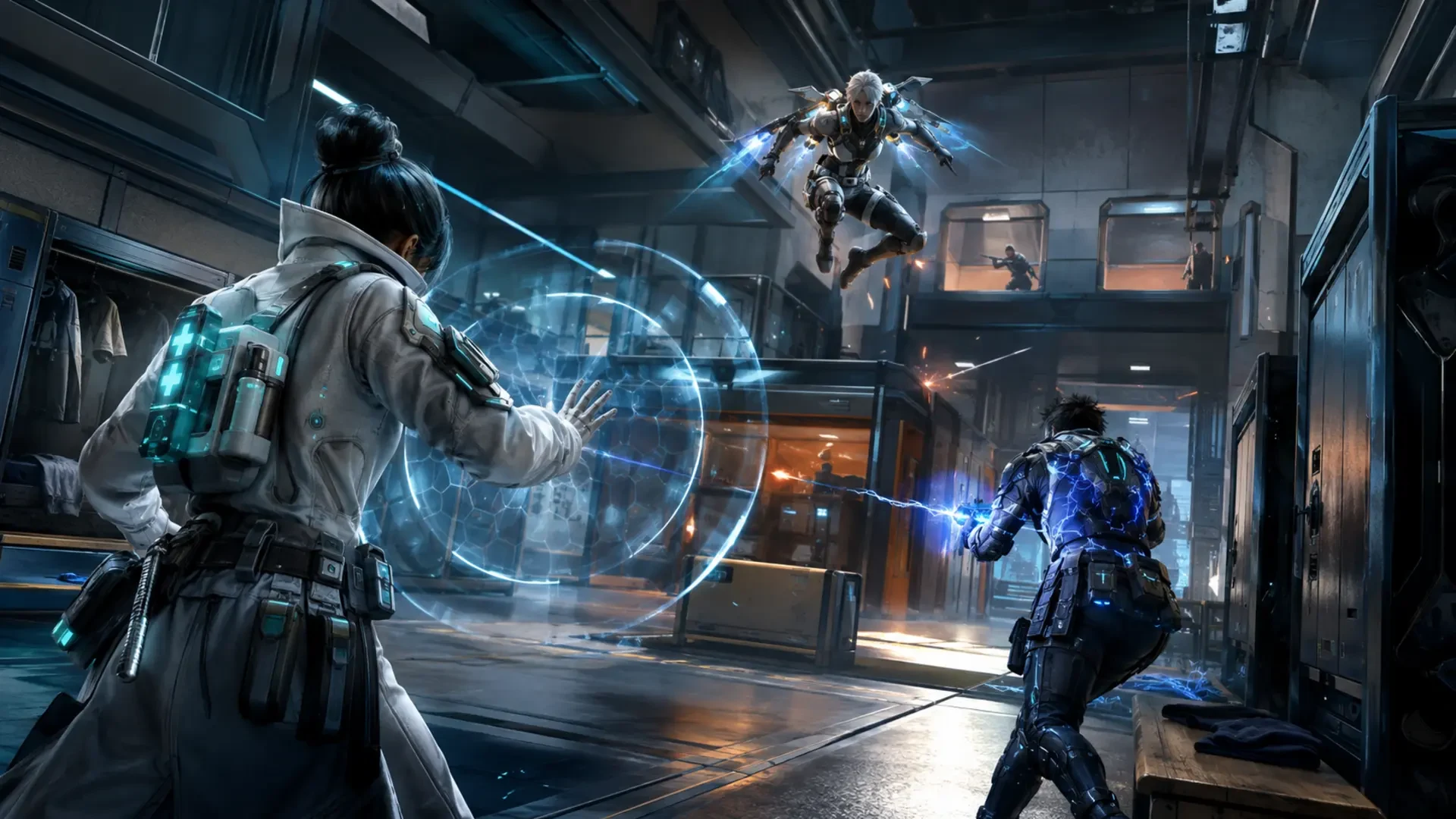
Blood Strike's August 2026 update gives players a fresh way to approach its fast battle royale combat. The limited-time Battle Royale third-person perspective mode, or BR-TPS, has its own Vanguard Season, while Ultra Chaos introduces a first-to-30-kills free-for-all format on the compact Locker Room map. Together, these additions reward players who can adapt their camera use, movement, weapon choices and decision-making.
This guide explains the confirmed features from the official August 11 update and turns them into practical preparation. The mode is limited-time, so check the current in-game event page for live availability and any schedule changes before queuing.
What the August Update Confirmed
Blood Strike announced several connected gameplay additions and balance changes. The most important details for players are easy to separate from cosmetic releases and event promotions.
| Feature | Confirmed detail | Why it matters |
|---|---|---|
| Battle Royale TPS | Limited-time third-person gameplay supports Ranked and Custom Rooms | Camera position changes how players gather information around cover |
| TPS Vanguard Season | Started August 14, with BR-TPS and BR-FPS matched separately | Your progress and opponents are separated by perspective |
| Ultra Chaos | Free-for-all mode started August 21; first player to 30 kills wins | Individual pace and repeatable fights matter more than squad coordination |
| Locker Room | A small, fast-paced map exclusive to free-for-all | Short engagement distances punish slow reactions and careless reloads |
| Weapon balance | AK47, Vector and SVD received improvements, while other weapons received trade-offs | Old loadout habits deserve another test |
The Vanguard rewards listed by the publisher include QBZ95 - Glory, Rank Coins, an avatar and stickers at specified ranked-point milestones. Treat the in-game Vanguard page as the final source for the current thresholds and remaining availability.
How Third-Person Perspective Changes Battle Royale
Third-person perspective lets you see your operator and a wider portion of the space around them. That creates more opportunities to collect information while using walls, doorways, slopes and other cover. However, seeing an opponent does not automatically give you a safe shot. Your character and weapon still need a usable angle.
Separate information from commitment
Use the camera to learn before you expose yourself. Identify likely enemy positions, possible escape routes and the next piece of cover. Then decide whether the fight is worth taking. A common mistake is moving into the open immediately after the camera reveals a target, even when the opponent has the stronger firing angle.
- Pause behind reliable cover long enough to check both sides.
- Move your character only when the route and destination are clear.
- Avoid repeating the same peek after the enemy has seen it.
- Keep an exit route for every aggressive push.
Respect the opponent's camera too
If you can watch a lane from behind cover, an enemy may be doing the same. Do not assume a quiet doorway or ridge is unguarded simply because no character model is visible. Cross exposed ground with purpose, change your timing and use available utility to reduce predictable approaches.
Planning a BR-TPS Ranked Match
The official update states that BR-TPS and BR-FPS matchmaking are separate. That means a strong first-person routine may need adjustment rather than direct copying. Build a TPS-specific warm-up and evaluate your results inside that queue.
Early game: secure a stable start
Prioritise a functional weapon, ammunition, protection and healing before chasing every sound. Third-person information can encourage overconfidence because you can observe nearby movement without exposing your entire operator. Use that advantage to choose a favourable opening fight, not to start several fights at once.
Mid game: rotate from cover to cover
Plan rotations as a sequence of safe positions. Before leaving a building or ridge, inspect the next route and consider where another player could watch it. Move when you have a clear destination. If the route has no protection, reconsider the timing or choose another line.
Late game: protect your position
As the playable area becomes more crowded, information grows more valuable. Avoid unnecessary movement that reveals your location. Watch likely approaches, preserve useful resources and commit only when the elimination or position gain justifies the risk. A patient camera check can prevent a rushed peek from ending an otherwise strong match.
Ultra Chaos: Win the Race to 30 Kills
Ultra Chaos removes the squad structure and sets a direct objective: the first player to reach 30 kills wins. The mode is free-for-all, so every nearby player is a possible threat and a possible point. Consistent, fast engagements matter more than one spectacular streak followed by a long dry period.
Choose repeatable fights
Look for engagements you can finish quickly without remaining exposed to several other players. An elimination that leaves you weak in the centre of the action can immediately hand another player an easy point. Use cover, finish decisively and reposition before the next opponent arrives.
Reduce time without targets
A kill-race format punishes long periods of searching. Learn the map's connected routes and pay attention to nearby combat audio. Move toward activity without charging through every doorway. Your goal is to reach the next fight ready, not merely reach it first.
Reset your aim after every duel
Compact free-for-all combat often produces consecutive threats. After each fight, return your crosshair to a likely entry point, check ammunition and use the shortest safe recovery window available. Develop a simple rhythm: eliminate, check, recover and move.
How to Approach the Locker Room Map
Locker Room is officially described as a small, fast-paced map made exclusively for free-for-all. That description points to close transitions, frequent contact and limited time to prepare between encounters. Players should favour responsive habits over complicated plans.
- Pre-aim common openings: Keep your crosshair ready as you enter a new space instead of aiming at the floor while sprinting.
- Reload with protection: Do not start a long reload in an exposed lane after every short burst.
- Listen before crossing: Nearby shots and movement can reveal where the next fight is forming.
- Avoid tunnel vision: A damaged opponent can be tempting, but another player may be approaching from behind.
- Keep moving after success: Repeating the same angle makes your next appearance easier to predict.
Spend the first matches learning how quickly routes connect. The objective is not to memorise an unverified spawn formula, but to recognise where opponents can appear and how long it takes to reach cover.
EMT and Weapon Changes Worth Testing
The update revamped EMT's default appearance and slightly reduced the activation time of Protective Field, Healing Grenade and Support Field. Those faster activations may make EMT feel more responsive when protection or healing is needed under pressure. Test the timing yourself so that you know how late you can safely deploy each ability.
Several weapons also changed. The AK47's level cap increased to 100 and it received an M-LOK Barrel intended to make recoil more stable and controllable. The Vector gained better hip-fire accuracy. The SVD received greatly reduced recoil, had its trigger delay removed and gained a slight fire-rate increase. These improvements make all three worth revisiting in the practice range and live matches.
Other adjustments require care. QBZ95 damage was reduced by one at all positions; its armour-piercing magazine received a smaller armour-damage bonus and more recoil. The HK416 stock lost some hip-fire accuracy and movement bonuses. The P90 lost one point of close-range damage but has less damage drop-off over distance, while its burst bolt now increases range instead of hip-fire accuracy. Rather than assuming an old favourite is unusable, compare recoil, time on target and effective distance in your own hands.
Other Useful August Improvements
Blood Strike also improved TPS parachuting and camera behaviour, which should support a smoother third-person experience. If a teammate disconnects, an AI replacement can now be guided with marker commands. That does not replace human communication, but it gives the remaining squad a way to direct basic movement.
A new achievement and medal system adds more ways to display progress, and player profiles can receive likes and show loadouts. These systems do not decide a firefight, but they give players clearer long-term goals alongside Vanguard ranked progress.
Your TPS Vanguard Practice Checklist
- Confirm that BR-TPS and the relevant events are currently available in your game.
- Create a separate sensitivity and camera warm-up for third-person play.
- Practise checking around cover without moving your operator into danger.
- Test EMT's updated activation timing in realistic pressure situations.
- Compare the AK47, Vector and SVD changes in the practice range.
- Play several Locker Room matches to learn route timing and safe reload positions.
- In Ultra Chaos, prioritise repeatable engagements and quick post-fight resets.
- Review each loss for one decision to improve rather than changing the entire loadout.
The strongest adjustment is simple: use third-person information patiently, then act decisively. BR-TPS rewards awareness around cover, while Ultra Chaos demands speed and consistency. Players who practise both skills will be better prepared for the Vanguard queue and the intense Locker Room kill race.
Top Up Your Favourite Games
If you're looking for a trusted place to top up your favourite games including Free Fire, PUBG Mobile, Mobile Legends, Blood Strike, and Call of Duty, visit HTGTopUp.com for fast digital game top-up services. Website: https://htgtopup.com.