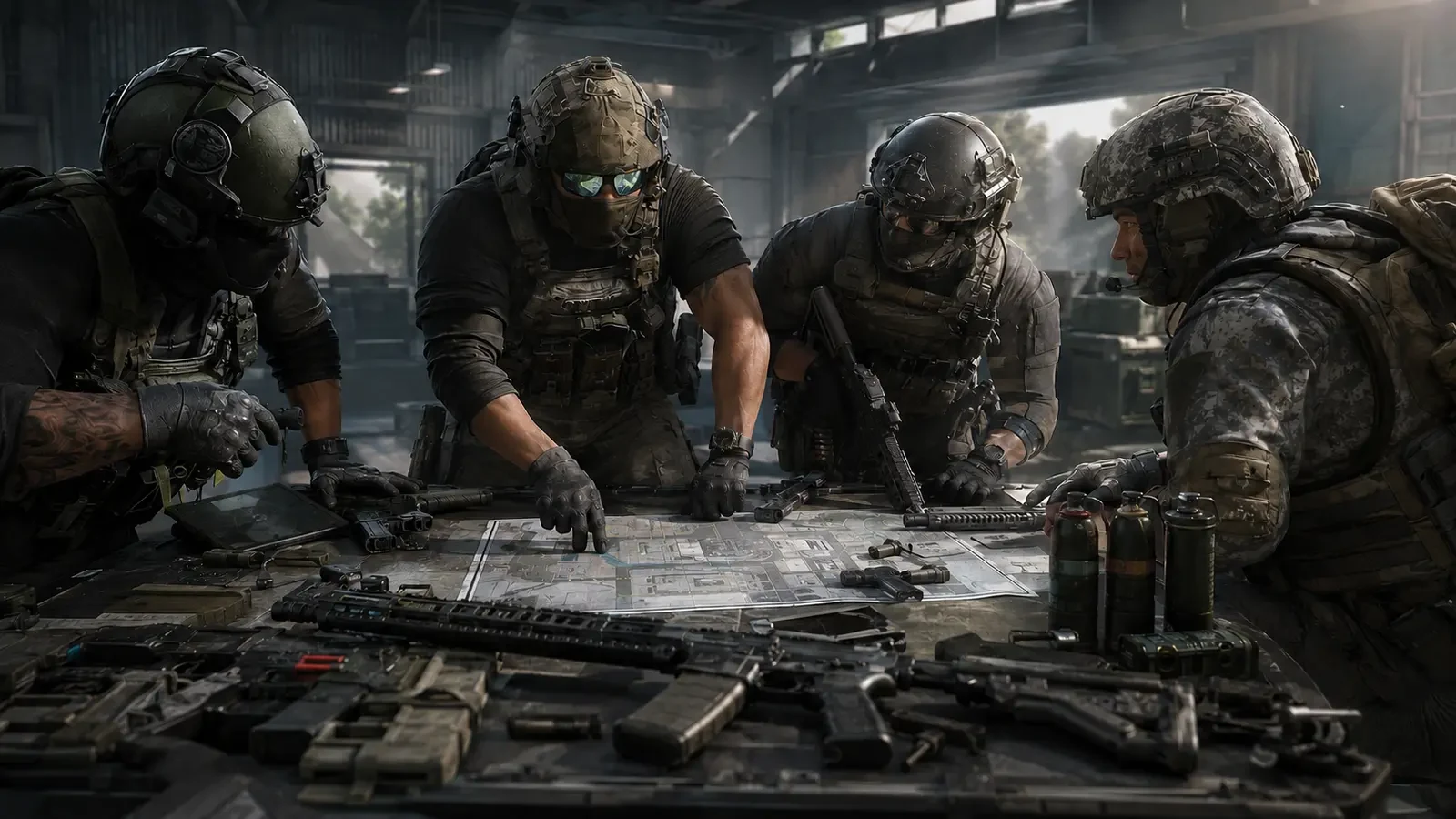
A strong Call of Duty: Mobile multiplayer setup is not one weapon copied into every slot. Different modes, maps and team situations reward different jobs. A fast class that helps you reach an objective may struggle to hold a long lane, while a stable defensive build can feel slow when the team needs an urgent rotation.
This guide shows how to organize five practical, role-based loadouts without depending on a temporary “best gun” list. The structure is based on Activision’s official multiplayer and Gunsmith guidance: loadouts can combine a primary and secondary weapon, Operator Skill, perks, lethal and tactical equipment, while Gunsmith attachments can improve one quality and reduce another. The aim is to make every slot answer a clear match problem.
What an official COD Mobile loadout includes
Activision Support explains that multiplayer loadouts are accessible from the home screen or multiplayer lobby. A loadout can include your Soldier, Operator Skill, primary and secondary weapons, optics and attachments, perks, lethal equipment and tactical equipment. More items and customizable loadout slots become available as players progress.
The official Gunsmith introduction also explains the attachment system. Primary weapons and pistols can draw from categories such as optics, lasers, muzzles, barrels, underbarrels, ammunition, rear grips, stocks and weapon perks. Up to five unique attachments can be equipped to a qualifying weapon. Most attachments provide a benefit alongside a drawback, so adding everything that increases one stat can create a class that performs poorly elsewhere.
| Loadout part | Question to answer | Common planning mistake |
|---|---|---|
| Primary weapon | At what range will this role take most fights? | Choosing only because a weapon is popular |
| Attachments | Which weakness needs help without damaging the role? | Stacking one stat and ignoring trade-offs |
| Secondary | What should happen if the primary is empty or unsuitable? | Never practising the weapon swap |
| Perks | Which movement, information or survival need matters most? | Using the same perks in every mode |
| Equipment | Does it help entry, defence, information or area control? | Throwing equipment automatically at spawn |
| Operator Skill | What team problem should it solve when ready? | Activating it without checking the objective |
Start with roles before selecting attachments
Begin each class name with its purpose. Activision Support notes that loadouts can be renamed, which makes a simple naming system useful. Labels such as Entry, Objective, Anchor, Anti-Streak and Flex are faster to understand during pre-match selection than Loadout 1 or Loadout 2.
A role is a starting plan, not a restriction. The entry player may need to defend after gaining space, and the anchor may need to rotate when the objective moves. The value of separate slots is that the opening tool set already fits the most likely responsibility.
- Entry: reach contested space quickly and make room for teammates.
- Objective: stay useful around capture points and protect the team’s progress.
- Anchor: hold important sightlines and make enemy movement more predictable.
- Anti-Streak: respond when enemy scorestreaks or equipment restrict movement.
- Flex: cover the middle ground when the match needs a quick change of plan.
Loadout 1: the mobile entry class
The entry role needs responsive handling, reliable close-to-medium performance and equipment that helps the first move. This does not mean sprinting into every lane. A good entry player checks the nearest angle, crosses with cover and creates a safe path that teammates can follow.
Gunsmith priorities
Start with a weapon you can control while moving. Consider handling and mobility, then preserve enough accuracy for the map’s common distance. If several attachments improve aim speed but create unstable recoil, remove one and retest. A slightly slower class that lands its opening shots is more useful than a maximum-speed build that becomes inconsistent.
Equipment and play pattern
Choose tactical equipment that supports a planned entry or breaks an opponent’s view of the route. Keep lethal equipment for a known position rather than throwing it without information. After entering, move to the side of the objective so the next teammate does not stack in exactly the same location.
- Pre-aim the first likely corner before accelerating.
- Clear one angle at a time instead of exposing the whole room.
- Call the safe route or visible threat immediately.
- Pause after gaining space so the team can catch up.
Loadout 2: the objective support class
Objective players need consistency more than highlight moments. Their class should help them survive repeated contests, reload at sensible times and contribute while staying close enough to the objective. A balanced primary weapon is often easier to manage than an extreme build designed for only one distance.
Build for repeated engagements
Magazine capacity can help during multi-player pressure, but Activision’s Gunsmith example warns that a larger magazine may reduce movement speed. Treat the larger magazine as a trade-off, not a free upgrade. If mobility falls too far, use cover and earlier reload timing instead of adding more weight.
Tactical equipment should support the capture area, an approach lane or a safe retake. The secondary weapon needs to be familiar enough for an emergency swap. Practise changing weapons behind cover rather than relying on a full reload during an active contest.
- Stand where you can contest without blocking every teammate’s movement.
- Watch a different entrance from the player beside you.
- Leave the objective briefly only when the rotation has a clear purpose.
- Save the Operator Skill for a meaningful hold, break or retake.
Loadout 3: the anchor and lane-control class
The anchor helps the team understand where opponents can appear. This class should favour predictable recoil, clear sightlines and enough range for the map’s longer approaches. The anchor does not need to remain in one spot; the job is to preserve useful map control and rotate before the old position loses value.
Control before speed
Choose attachments that make the weapon repeatable across several attempts. Recoil control, aiming stability and a sight picture you can read may be more valuable than maximum movement. Do not add an optic automatically if the base sight is comfortable; an unused optic consumes an attachment slot that could support the role elsewhere.
Defensive equipment works best when it protects an approach or provides information. Avoid placing everything in the exact same area because one route change can make the whole class ineffective. After each engagement, check the minimap and move if the team’s spawn or objective position has shifted.
- Hold the lane that protects teammates, not the lane with the easiest target.
- Use short, controlled bursts when distance increases.
- Do not chase an opponent so far that the original route opens.
- Tell the team when your lane is lost or when you begin rotating.
Loadout 4: the anti-scorestreak response class
Some matches change when enemy streaks or equipment make normal routes difficult. A dedicated response slot lets you switch plans instead of forcing the same class through the problem. This loadout should keep a usable primary weapon while reserving its secondary, perks or equipment for counterplay available in your unlocked inventory.
The purpose is speed of response. Name the class clearly so it is easy to select. When the threat is gone, decide whether the specialized tools still justify the slot for the rest of the match. If not, return to a role that better supports the current objective.
Team discipline matters
One or two players responding may be enough. If the entire team abandons the objective to solve the same problem, the opponent gains space for free. Communicate that you are switching, confirm what you can address, and let the remaining teammates hold safer positions.
- Keep the class ready before entering ranked or objective modes.
- Use cover while responding instead of standing in an exposed lane.
- Confirm that another teammate is not already handling the same threat.
- Switch back when the specialized response is no longer needed.
Loadout 5: the flexible backup class
The flex class sits between entry speed and anchor control. It should feel comfortable on several maps and remain useful when matchmaking gives your team an unexpected composition. Use a familiar primary weapon, moderate attachment trade-offs and equipment that can support either a push or a hold.
This is also the best slot for testing one change at a time. Copy the basic idea of a trusted class, replace one attachment, and compare the result across several matches. Do not change the weapon, perks, equipment and sensitivity together. A controlled test shows which adjustment helped.
When to select Flex
- The map contains both tight interiors and medium sightlines.
- Your teammates have already covered the specialist roles.
- The mode changes pace frequently between attack and defence.
- You are learning the lobby and do not yet know the biggest problem.
How to evaluate Gunsmith trade-offs
Activision’s official Gunsmith guide emphasizes that most attachments have drawbacks. A bright laser can improve hip-fire accuracy but may be visible to opponents, while a larger magazine can add ammunition and reduce movement speed. The correct attachment is therefore the one that improves the role without creating a more damaging weakness.
| If the class struggles with | Test this direction | Watch for |
|---|---|---|
| Slow first response | Handling or aim-speed improvements | Reduced control or range |
| Unstable follow-up shots | Recoil and stability support | Slower movement or aiming |
| Running empty too often | Magazine or reload support | Mobility penalties |
| Losing close contests | Mobility and close-range handling | Weaker distance performance |
| Missing distant targets | Clear optic and controlled setup | Slower close-range reaction |
Test the same route and target distance several times. One excellent attempt can be luck; a useful build feels repeatable. If an attachment only helps in a rare situation, consider whether another class should handle that situation instead.
A 15-minute loadout testing routine
- Minutes 1–3: test the primary weapon’s first shots and basic recoil at a familiar distance.
- Minutes 4–6: move between cover, aim after sprinting and check whether the class feels responsive.
- Minutes 7–9: practise one full magazine, a protected reload and an emergency secondary swap.
- Minutes 10–12: rehearse the role’s normal route: entry, objective arrival, lane hold or response.
- Minutes 13–15: change one attachment, repeat the key test and keep only the clearer result.
After two or three real matches, review why the class failed. If the problem was poor positioning, an attachment change will not fix it. If the weapon repeatedly felt too slow or unstable during the role’s normal task, adjust one trade-off and test again.
Final multiplayer checklist
- Rename loadouts by job so the correct response is easy to select.
- Build Entry, Objective, Anchor, Anti-Streak and Flex slots around different match problems.
- Use no more attachment complexity than the role actually needs.
- Read every benefit and drawback before saving a Gunsmith change.
- Pair equipment and Operator Skills with a planned team purpose.
- Test one variable at a time and judge repeatability, not one good match.
- Revisit the official COD Mobile update and support pages when systems change.
A role-based loadout collection gives you options before frustration begins. Instead of searching for one class that does everything, prepare five classes that each do one job well. That makes switching purposeful, reduces rushed Gunsmith changes and helps the whole squad react to the map, mode and score.
Top Up Your Favourite Games
If you're looking for a trusted place to top up your favourite games including Free Fire, PUBG Mobile, Mobile Legends, Blood Strike, and Call of Duty, visit HTGTopUp.com for fast digital game top-up services. Website: https://htgtopup.com.