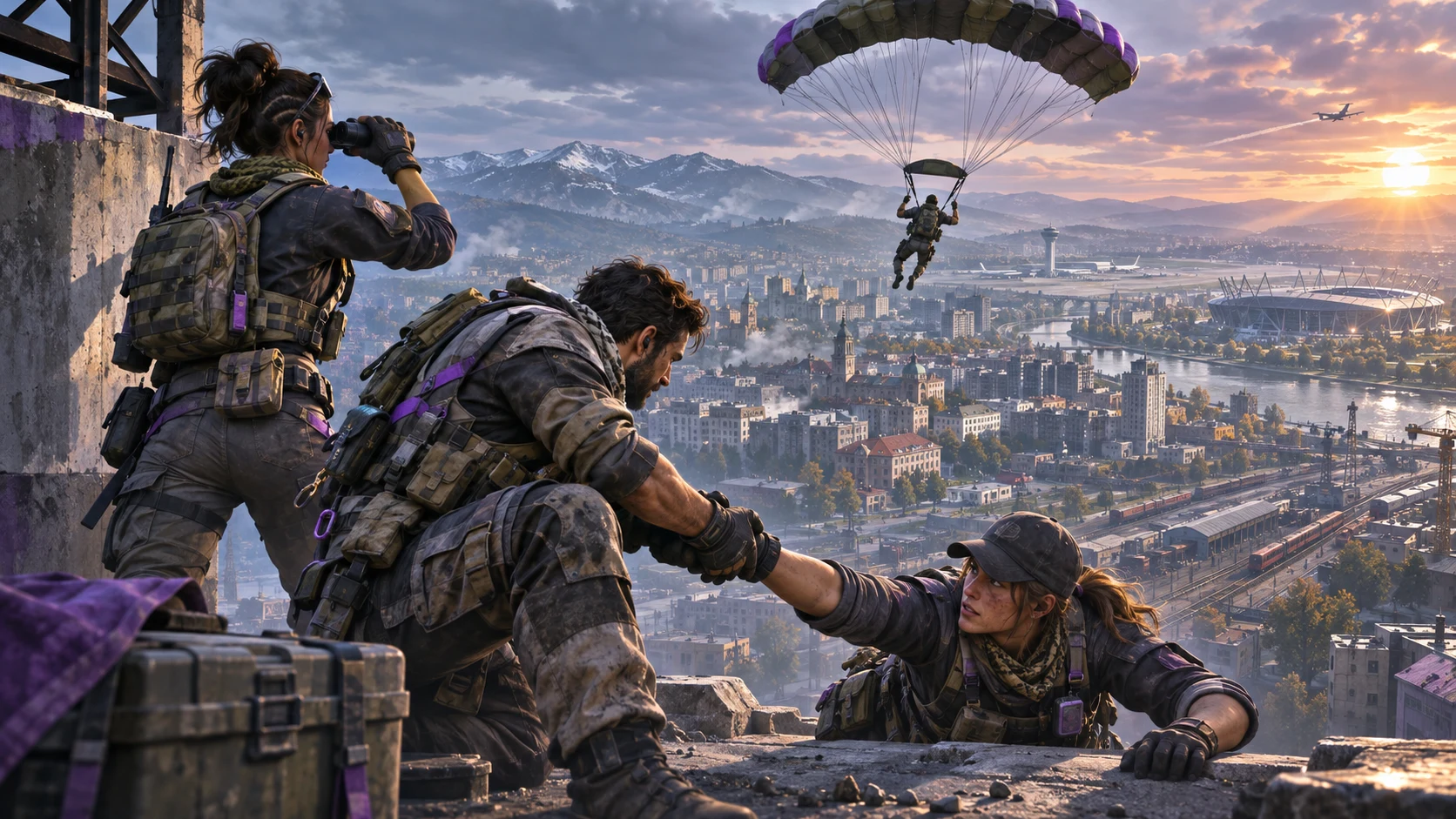
Call of Duty Mobile Season 10 — 7th Anniversary brings Verdansk to mobile Battle Royale and changes how squads move, recover and spend resources. Activision scheduled the season for November 11 at 4 PM Pacific Time, which converts to November 12 at 5:30 AM in Sri Lanka. The official announcement describes a map with more than 15 major points of interest, a Gulag second-chance system, contracts, Buy Stations, Field Assets, Battle Royale Perks and new movement options.
This guide is built for the first few drops, when unfamiliar streets and new systems can overwhelm even experienced Isolated players. It turns the confirmed mechanics into a clear survival plan: choose a readable landing objective, preserve squad options, learn the recovery economy and use Verdansk’s scale without becoming trapped by it.
What Changes in Verdansk
Verdansk is not simply another large map. Activision says Season 10 changes movement, airborne control, third-person animation and several Battle Royale systems. Parachutes replace wingsuits for in-match aerial deployment on Verdansk, doors can be shoulder-bashed while running, and players can drag a downed teammate while reviving. Contracts introduce objective-based rewards, while Scorestreak-style tools are reorganized as Field Assets.
These changes reward squads that communicate before they fight. A player who knows where to land but ignores redeployment money or the teammate-drag mechanic can still throw away a strong start. Treat the map as a network of decisions rather than a list of famous locations.
Five habits to build immediately
- Call the landing building or side of a POI, not only the POI name.
- Keep one player scanning while another loots or interacts with a contract.
- Mark the closest Buy Station before the first long rotation.
- Save resources for recovery instead of spending everything at once.
- Drag a downed teammate behind hard cover before committing to a revive.
Pick a Landing Plan, Not Just a Famous POI
The official Verdansk guide lists major areas including Dam, Military Base, Quarry, Airport, TV Station, Storage Town, Superstore, Stadium, Lumber, Boneyard, Train Station, Hospital, Downtown, Farmland, the Promenades, Hills, Park, Port and Prison. Each location supports different sightlines, building density and escape routes.
For a first session, choose a POI according to what the squad wants to practise. Downtown can teach building clears and rooftop awareness, but it creates vertical threats. Farmland or Lumber may offer more readable approaches, while Airport and Stadium demand faster decisions across open and structured spaces.
Use a three-question landing test
- Can the squad land together? Select one block, roof line or outer edge so players do not scatter.
- Is there a planned exit? Identify a road, vehicle route, bridge or cover line before the gas forces movement.
- What is the first objective? Decide whether the squad is gathering gear, starting a contract or preparing to contest a Buy Station.
A cautious opening is not passive. It creates enough structure to make the next fight deliberate. Once the squad understands loot density and rotation pressure, it can test hotter drops without turning every match into a coin flip.
Master Parachutes and Updated Movement
Season 10 replaces the Verdansk in-match wingsuit with a deployable parachute. That changes how players judge height, distance and exposure. A parachute can create a useful reposition, but an obvious glide path may reveal where a player intends to land.
Before jumping from a high roof or cliff, look for a protected landing surface, an alternate landing if the first is watched, and a route back to the squad. Avoid turning a short reposition into a long solo flight. The safest glide often ends one building ahead of teammates, not several blocks away.
Shoulder-bashing doors rewards momentum, but a loud entry announces the breach point. Use it when timing matters, then have a teammate cover the doorway or adjacent window. In quieter situations, a controlled entry preserves information.
Dragging a downed teammate
The new drag-and-revive option makes hard cover part of the rescue. One player drags and revives, a second watches the threat line, and a third prepares smoke, suppression or a counter-angle. If the enemy has a clear push, cancel early rather than losing the whole squad in one location.
Treat the Gulag as a Squad Resource
On Verdansk, the first elimination sends a player to the Gulag for a one-versus-one chance to redeploy. Winning returns that player to the map. Losing means the player remains out until a teammate purchases redeployment at a Buy Station.
The Gulag is a limited recovery layer, not permission to take careless fights. The surviving squad should avoid rushing into another battle while a teammate waits for the duel. Gather information, preserve cash and decide where a returning player can land safely.
Gulag communication checklist
- Tell teammates whether you won before choosing a redeployment route.
- Ask which area is safe instead of automatically returning to the elimination site.
- If you lose, keep callouts short so surviving players can hear nearby threats.
- Do not demand an immediate Buy Station visit when the station is being watched.
Clear the Buy Station area before purchasing a redeployment. The official guide warns that stations are likely hotspots. Approaching without smoke, overwatch or an exit can trade two living players for one recovery.
Contracts and Buy Stations: Build an Economy Plan
Contracts provide rewards for completing in-match objectives. They give squads a reason to move with purpose, but every objective creates predictable behaviour. Before starting one, check the gas timer, squad resources and the likely path through nearby cover.
Assign roles rather than letting everyone interact with the same objective. One player handles the contract, one watches the closest approach and one scans the wider route. If the objective pulls the squad too far from the next circle, abandoning it can be better than completing it at the cost of position.
Buy Stations can provide Equipment, Armor Plates, Ammo, Field Assets and other survival tools. Use this priority:
- Recover an eliminated teammate when the station is safe.
- Restore armor and ammunition needed for the next fight.
- Improve the squad’s loadout or utility.
- Buy a Field Asset only when the team has a clear use for it.
A purchase is strongest when it supports a plan. Buying an offensive asset without knowing the next rotation can waste resources that would have funded armor or redeployment.
Understand Field Assets and Battle Royale Perks
Starting in Season 10, Battle Royale Scorestreaks are called Field Assets. Activision says they can be equipped to Loadouts, purchased at Buy Stations and will generally be less common, making them more valuable. The official announcement names the Death Machine and EMP Systems among the new options and describes updated targeting for tools such as the Strafing Run and Stealth Chopper.
Use Field Assets to solve a specific problem. An EMP-oriented option can support a push against equipment; an offensive asset may force opponents from cover. Confirm the target area, squad spacing and likely escape route before deployment.
Wildcards are renamed Perks in Battle Royale. They can be found during matches or accessed through Loadout Drops and Buy Stations. Official examples include Wild Hip Fire, Tracking Ammo, Slide Reload, Flinch Reduction, Fast ADS, Sniper Expert, Ballistic Calibration and Hunter’s Rhythm.
Match the Perk to your job
- Close-range entry players benefit from hip-fire, slide or fast-ADS support.
- Long-range anchors should consider stability, precision and sniper-focused effects.
- Mobile rifle players can prioritize movement accuracy, recoil recovery or reload speed.
- Do not copy a teammate’s choice when the squad needs different roles.
Respect the Gas and Vehicle Risk
The official map guide describes a dynamic gas zone that damages health and can appear across different parts of Verdansk. A gas mask can provide temporary protection, but it is not a reason to ignore the countdown. Rotate before the zone removes your safe road, bridge or vehicle route.
Vehicles include familiar options such as the ORV, Antelope A20, motorcycle, Muscle Car and helicopter. Vehicles solve distance but create noise and predictable approach lines. Choose a driver, mark the stop point and exit before the vehicle becomes a trap. Do not drive directly into a Buy Station or dense entrance without scouting.
Use Create Your Truth as a Training Route
Activision describes Create Your Truth as a limited-time narrative experience with infinite respawns. Players collect map codes, decode intel, find NPCs and follow guidance toward Stadium. Because it introduces Verdansk elements with repeated chances to return, it can be a useful orientation session before serious Battle Royale matches.
Use the mode to recognise roads, building silhouettes and approaches instead of rushing only for completion. Confirm availability and rewards on the live event page because the playlist is time-limited.
First-Drop Squad Checklist
- Download required resources before joining the squad.
- Choose one landing block and one fallback landing.
- Mark the nearest rotation route and Buy Station.
- Assign entry, support and overwatch roles.
- Keep redeployment money in mind before optional purchases.
- Use contracts only when the route fits the gas timer.
- Drag downed teammates toward cover before reviving.
- Save Field Assets for a clear tactical problem.
- Choose Perks according to role, not popularity.
- After a Gulag win, redeploy to the safest squad position.
Season 10 also adds Verdansk to DMZ: Recon with a Chemist boss and Prison Highlight Contract, plus anniversary events and the free-tier Signal 50 sniper rifle. Those features deserve separate preparation; for Battle Royale, the immediate priority is movement, recovery and map economy.
Frequently Asked Questions
When did COD Mobile Season 10 launch in Sri Lanka?
Activision scheduled the launch for November 11, 2026 at 4 PM Pacific Time, corresponding to November 12 at 5:30 AM in Sri Lanka.
How many major locations are in Verdansk?
Activision describes more than 15 major points of interest, including Airport, Stadium, Downtown, Prison, Port, Farmland and Military Base.
Does every elimination send me to the Gulag?
The official guide says the first elimination in a Verdansk match sends you to the Gulag. Win to redeploy; lose and a teammate must purchase redeployment.
Are Scorestreaks removed from Battle Royale?
They are reorganized as Field Assets. They can be part of Loadouts or purchased at Buy Stations and are intended to be rarer and more valuable.
What happened to Battle Royale Wildcards?
They are called Perks in Season 10 Battle Royale and can be found in matches or accessed through Loadout Drops and Buy Stations.
Can I use a wingsuit in Verdansk?
Activision says deployable parachutes replace wingsuits for in-match airborne movement on Verdansk.
Prepare Safely and Verify Live Details
Use the official Season 10 announcement and official Verdansk map guide as primary references. HTG readers can also revisit the Season 9 guide and the COD Mobile ranked guide.
If you purchase COD Points, confirm the live product, requested Player ID or account detail and displayed price before paying. HTGTopUp.com may show Visa, Mastercard, EzCash and supported QR methods depending on the current checkout. Keep the receipt and order reference, and never share a game-account password, email password, PIN or one-time code.
Top Up Your Favourite Games
If you're looking for a trusted place to top up your favourite games including Free Fire, PUBG Mobile, Mobile Legends, Blood Strike, and Call of Duty, visit HTGTopUp.com for fast digital game top-up services. Website: https://htgtopup.com.