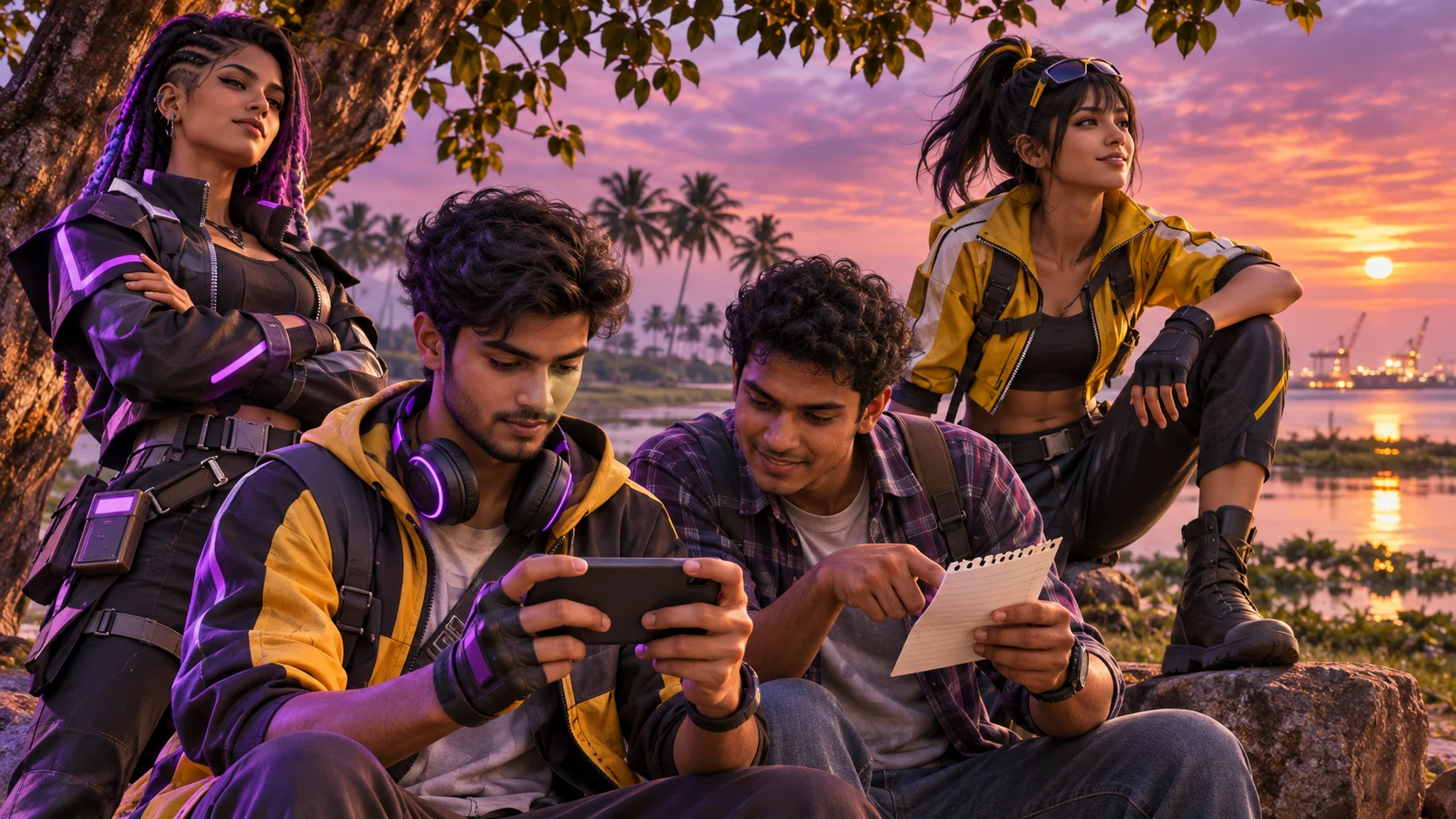
Buying Free Fire diamonds should begin with account verification, not payment. For players in Hambantota District, the safest routine is to confirm the correct UID, check the selected product and region, protect any shared phone being used, and retain evidence of the order. These steps matter whether you are ordering from Hambantota town, Ambalantota, Tangalle, Tissamaharama or another part of the district.
This guide focuses on a practical situation that many households and gaming groups understand: one phone may be used by more than one person, a friend may help with the payment, or the player may send a screenshot because typing a long UID feels risky. A screenshot can reduce copying errors, but it must be handled carefully. It should show only the information needed to identify the game account and should never expose passwords, one-time passwords, recovery codes or private payment information.
HTGTopUp.com displays product and rate information during ordering. Read the current details before paying because products, availability and displayed rates can change. This article does not promise a particular price, promotion or delivery time.
Why the UID Is the Most Important Order Detail
A Free Fire UID identifies the destination account. A nickname may help you recognise the player, but the UID is the detail that must be copied exactly when the ordering flow requests it. A single missing or swapped digit can point to a different account, so the safest habit is to verify the UID twice before moving to payment.
Use a two-source check
- Open the player profile inside the official Free Fire client.
- Read the UID directly from the profile instead of relying on an old chat message.
- Compare the typed UID with the profile one digit at a time.
- If the store returns a nickname check, compare that nickname with the intended account.
- Confirm the correct product, quantity and any region requirement shown on the ordering page.
A player who has more than one Free Fire account should be especially careful. Do not assume the account currently discussed in a WhatsApp group is the same one open on the phone. Open the intended profile, take a fresh look at the UID and remove uncertainty before paying.
How to Use a UID Screenshot Safely
A clear screenshot can be useful when another person is helping with the order. It prevents the sender from manually typing the number into a message and gives the buyer a visual reference. However, treat the screenshot as account information rather than as a casual image.
What a safe screenshot may show
- the visible Free Fire profile area containing the UID;
- the player nickname, if it helps with confirmation;
- enough context to show that the number comes from the game profile.
What the screenshot should never show
- a password, OTP, recovery email code or security code;
- banking details, card numbers or wallet PINs;
- private chat messages or personal notifications;
- another player’s information that is unrelated to the order;
- a QR code that was not intentionally requested through a verified payment page.
Crop the screenshot to the smallest useful area before sharing it. Send it only to the person or official ordering channel involved in the transaction. After the order has been confirmed and the receipt stored, delete unnecessary copies from public groups or shared galleries.
Shared-Phone Safety for Hambantota Players
Shared phones are convenient, but they can mix game accounts, browser sessions, screenshots and payment notifications. Garena’s official account-protection guidance recommends keeping login credentials private, avoiding login on another person’s device where possible, enabling two-step verification on the linked platform and logging out after using someone else’s device. Garena also advises players to use official channels for purchases and to review abnormal device-login records.
If a shared phone is unavoidable, create a short handover routine:
- Identify the active Free Fire account. Open the profile and confirm the nickname and UID before starting.
- Close unrelated apps. This reduces the chance of copying an old UID or exposing a private message.
- Use a private browser session when appropriate. Do not save payment details or passwords on a phone that others use.
- Complete only the required order fields. A legitimate UID-based top-up should not require the Free Fire account password.
- Save the receipt securely. Keep the order reference and payment confirmation in a private folder or your own email.
- Log out and clear temporary information. Remove unnecessary screenshots and make sure the next user does not inherit your signed-in session.
If you notice an unfamiliar login, Garena’s support guidance says to change the password of the linked platform account and use the in-game option to log out from all devices. Do not wait for a purchase problem before protecting the account.
Guest Accounts Need Extra Care
Garena explains that guest-account data is stored on the device and may not be recoverable if the device is lost, reset or its game data is deleted. The official recommendation is to bind a guest account to an available platform account. Garena also provides recovery-email features for eligible linked accounts and advises players to keep the recovery email and security code private.
For a Hambantota player who changes phones, uses a family device or sometimes plays from a repair-shop replacement phone, an unbound guest account creates avoidable risk. Account binding should be completed inside the official game using an account the player controls. Never ask a stranger, reseller or payment helper to create or hold the login account on the player’s behalf.
Binding the account does not replace UID checking. It protects access to the game profile, while the UID still identifies the destination of the top-up.
Ordering Through HTGTopUp.com
Start at HTGTopUp.com and select the current Free Fire product suitable for your account and region. Read the live product description, rate and required fields. HTGTopUp.com should be used as the ordering destination; never rely on a copied payment link sent by an unknown account.
A careful ordering sequence
- Select Free Fire from the available game products.
- Choose the product or diamond amount shown on the current page.
- Enter the Player ID or UID exactly as requested.
- Check any nickname result and confirm that it belongs to the intended player.
- Review quantity, region and total displayed before payment.
- Choose an available payment method.
- Complete payment without leaving the verified checkout flow.
- Save the order reference, receipt and confirmation screen.
HTG supports payment options such as Visa, Mastercard, EzCash and supported QR payment methods where shown in the active checkout. Availability can depend on the current payment flow, so use only the options displayed for that order. Never send a card password, banking OTP, EzCash PIN or game-account password through chat.
Rates should be described as competitive or clearly displayed. Compare the amount shown at checkout with the product selected before approving payment. Do not trust a social post that claims a “lowest rate” unless the current HTG product page shows and supports that exact claim.
Illustrative Example: Two Friends Check One UID
This is an illustrative example, not a real customer testimonial.
Nimal, a fictional player in Ambalantota, wants to add diamonds to his Free Fire account. His own phone has the game installed, but his friend Sahan will use a different phone to make the online payment. Instead of sending his password, Nimal opens the official game profile, crops a screenshot so it shows only his nickname and UID, and sends the image privately.
Sahan opens HTGTopUp.com, selects the appropriate Free Fire product and types the UID from the screenshot. Before paying, he reads the number back to Nimal in groups of three digits. They also compare the nickname returned by the ordering step with the nickname in the screenshot. The names match, so Sahan checks the displayed rate and total.
He chooses an available supported payment option, completes the checkout and saves the receipt and order reference. Nimal does not share a password, OTP or recovery code at any point. After the order is confirmed, Sahan deletes the UID screenshot from his general gallery but keeps the receipt in a private folder until both friends are satisfied that the transaction record is complete.
The example shows the useful division of responsibility: the player confirms the destination account, while the payer confirms the payment details. Neither person needs control of the other person’s private credentials.
What to Do When Payment Is Interrupted
Mobile data can change while travelling through the district, a banking app can close, or the payment page can be interrupted. Do not immediately repeat the same payment. First determine whether money was deducted and whether an order reference was created.
- Check the bank, card, EzCash or QR-payment record.
- Look for an HTG order reference or confirmation.
- Take a screenshot of the payment status without exposing sensitive credentials.
- Note the time, amount, payment method and UID used.
- Contact the appropriate HTG support channel with the order evidence.
If the payment shows pending, allow the payment provider and order system to update. Repeated attempts can create multiple charges or multiple orders. Keep the original receipt even if the first screen appears unsuccessful, because it may be needed to trace the transaction.
For more general troubleshooting, read the related payment interruption recovery guide and the game top-up receipt guide.
How to Recognise a Password or Payment Scam
Garena’s safety guidance says not to share login credentials and warns against messages that ask for passwords, OTPs or financial information. A UID may be needed to identify the account for a supported top-up flow, but the game password is not part of normal UID verification.
Stop the transaction if someone asks for:
- your Facebook, Google, Apple or other linked-platform password;
- a Free Fire recovery-email code or security code;
- a banking OTP, card PIN or EzCash PIN;
- remote access to your phone;
- an urgent payment to a changed personal account without verification;
- installation of an unofficial game client or unknown application.
If a message promises free items or an unverified discount in exchange for login details, do not continue. Navigate to the official site yourself rather than opening a shortened or suspicious link. Garena advises using the official game client and official purchase channels.
Receipt Checklist for Every Hambantota Order
A receipt is more than proof that money left an account. It connects the selected product, payment and order reference. Keep a compact record containing:
- the order reference;
- the date and approximate time;
- the UID used;
- the selected product and quantity;
- the amount displayed and paid;
- the payment method;
- the payment confirmation or transaction identifier;
- any support conversation related to the order.
Store the record privately. A screenshot posted publicly may reveal identifiers that are unnecessary for other people to see. When contacting support, share only the fields requested and mask unrelated financial details.
Frequently Asked Questions
Can I send a Free Fire UID screenshot instead of typing the number?
A cropped screenshot can help another person verify the UID, but the number still has to be entered accurately in the ordering field. The screenshot should not expose passwords, OTPs, recovery information or payment details.
Does a top-up helper need my Free Fire password?
No. Never share the game password or the password of a linked Google, Facebook, Apple or other platform account. UID verification and payment should not require account takeover.
What if the nickname check does not match?
Stop before payment. Reopen the intended profile, verify the UID digit by digit and ensure that the selected region or product is appropriate. Do not proceed just because the number looks similar.
Can I use a family member’s phone to pay?
Yes, if the payment owner agrees and the checkout is handled securely. Do not save private credentials on the shared phone, and keep the payment receipt with the person who made the payment.
What if I paid but closed the page?
Check whether funds were deducted and whether an order reference exists. Preserve the payment record and contact HTG support with the relevant evidence before attempting another payment.
Is a guest Free Fire account safe for a phone change?
Garena warns that guest-account data is stored on the device and may not be recoverable after device loss or data deletion. Bind the account through the official game using a platform account you control.
Which payment methods can I use?
HTGTopUp.com may display Visa, Mastercard, EzCash and supported QR payment methods. Use only the methods currently shown for your order and confirm the displayed total before paying.
Final Safety Routine
For every Free Fire top-up in Hambantota, follow the same order: open the correct profile, verify the UID, crop any screenshot, select the current product on HTGTopUp.com, check the nickname and total, pay through a supported method, and save the receipt. On a shared phone, protect the browser session and log out when finished.
The two rules that prevent the most serious problems are simple: never guess the UID, and never share the game-account password. A careful minute before payment is more useful than trying to reconstruct missing information after an error.