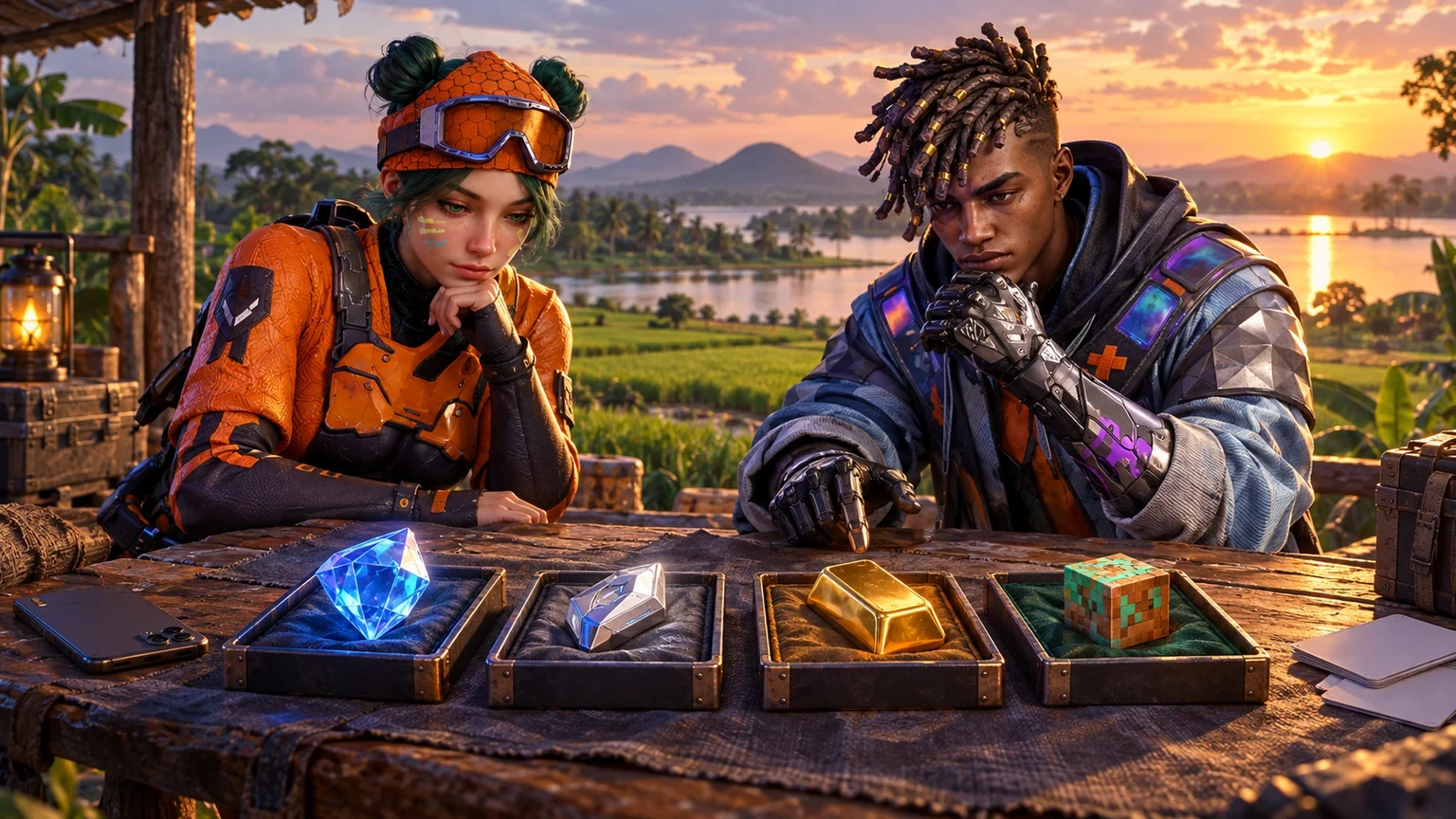
Diamonds, UC, Gold and Coins can all appear beside a “buy” button, but they are not the same product. Each belongs to a particular game, account system and delivery method. For players in Ampara, understanding those differences before checkout is the easiest way to avoid choosing the wrong package or entering the wrong account details.
This guide explains Free Fire diamonds, PUBG Mobile UC, Blood Strike Gold and Minecraft Minecoins, often described by players as Minecraft Coins. It also covers direct account delivery, Microsoft-account email checks, payment records and safe ordering through HTGTopUp.com.
Virtual Currency Is Not Universal Money
Game currency is a digital balance created for a particular game or marketplace. It normally cannot be moved to another game, exchanged for cash or combined with another publisher’s currency. The name of the product matters, but the receiving platform matters even more.
- Diamonds in this guide refer to Free Fire’s premium currency.
- UC refers to PUBG Mobile’s in-game currency.
- Gold refers to the paid currency offered through Blood Strike’s supported top-up route.
- Minecoins are used in the Minecraft Marketplace for eligible Minecraft: Bedrock Edition content.
A similar colour or icon does not make two balances compatible. A blue crystal in one game is not a promise that the same package works in another. Always read the game name, platform, region and account requirements together.
Free Fire Diamonds Explained
Free Fire diamonds are a premium in-game currency used within Free Fire. Garena’s official support pages distinguish diamonds from rewards and warn players about suspicious promises of free or unusually cheap diamonds. That makes source verification an important part of any purchase.
A supported account top-up usually relies on the receiving Free Fire UID. The UID is different from a nickname, login email or social-media username. Open the correct Free Fire or Free Fire MAX account, visit the profile and copy the UID directly.
Before ordering diamonds
- Confirm the account and supported region.
- Copy the UID from the current profile.
- Use the nickname only as a secondary check when available.
- Read whether the product is diamonds, membership or another supported item.
- Never share the game password, linked Facebook password or login OTP.
Garena also recommends protecting and binding accounts through official methods. A top-up receipt is useful for the order, but it is not a replacement for proper account security.
PUBG Mobile UC Explained
UC is associated with PUBG Mobile, not every game carrying the PUBG name. PUBG: Battlegrounds on PC or console is a separate product, and region-specific mobile releases may have their own compatibility rules. Buyers should confirm the exact application and account before choosing a UC package.
The official Midasbuy service identifies itself as Tencent’s official recharge store and presents PUBG Mobile UC products. This confirms that UC is tied to PUBG Mobile’s account and product ecosystem. It does not mean every UC listing works with every regional account.
Before ordering UC
- Open PUBG Mobile on the receiving account.
- Copy the requested Player ID from the live profile.
- Check the game version, region and server requirements.
- Do not enter a Steam name, console ID or unrelated KRAFTON account value.
- Review the package quantity and displayed currency before payment.
If a page asks you to bypass game security, install a modified client or hand over the login password, stop. A normal supported Player-ID top-up does not require another person to control the account.
Blood Strike Gold Explained
Blood Strike uses Gold for supported in-game purchases. The official Blood Strike website links to a top-up route, and NetEase’s official GamesClub page displays Blood Strike Gold products. The publisher has also warned that currency or items obtained through suspected unauthorised top-ups can be removed.
This makes the source and account details important. Use the current Blood Strike product page, enter only the identifier requested, and confirm that the selected version is supported. Do not treat a character nickname as the Player ID unless the form specifically labels it that way.
Before ordering Gold
- Confirm the correct Blood Strike account and version.
- Copy the Player ID or other destination field from the game.
- Check the selected Gold package and final amount.
- Avoid third-party arrangements that require account access.
- Keep the payment receipt and HTG order reference.
Minecraft Minecoins and Minecraft Coins Explained
Minecraft’s official website calls the Marketplace currency Minecoins. Some players and stores use the more general phrase “Minecraft Coins.” The official Minecoins FAQ states that Minecoins are used to buy content from the Minecraft Marketplace and that purchasing them through Minecraft.net or the Marketplace for Minecraft: Bedrock Edition requires a Microsoft account.
This is different from a Player-ID top-up. Depending on the supported product route, the buyer may need the correct Microsoft-account email or may receive a code for a particular platform or region. Enter the email attached to the intended Minecraft account only when the live product requests it.
Before ordering Minecraft currency
- Confirm the recipient uses Minecraft: Bedrock Edition with Marketplace access.
- Verify the Microsoft account associated with the game.
- Check the email spelling, including the domain after the @ symbol.
- For a code, confirm the platform and region before buying.
- Never share the Microsoft-account password or verification code.
Minecraft says Minecoin purchases are final. That makes account and platform checking particularly important before checkout.
An Ampara Currency-Matching Method
Players may order from Ampara town, Kalmunai, Akkaraipattu, Sammanthurai, Pottuvil or while travelling elsewhere in the district. The physical location does not decide which currency fits the account. Use a four-part match instead.
- Match the game: Free Fire, PUBG Mobile, Blood Strike or Minecraft.
- Match the currency: diamonds, UC, Gold or Minecoins.
- Match the destination: UID, Player ID, server/region or Microsoft-account email.
- Match the delivery route: direct top-up, email delivery or redeemable code.
If one part does not match, stop before payment. A correctly entered Player ID cannot fix a package chosen for the wrong game, and a correct email cannot make a region-locked code compatible.
Illustrative Example: Four Requests at One Mobile Shop
This is a fictional example for education and is not a customer testimonial.
Imagine a small group of friends in Ampara planning purchases before a weekend gaming session. One wants Free Fire diamonds, another wants PUBG Mobile UC, a third wants Blood Strike Gold, and the youngest wants Minecraft Marketplace content. They initially send four screenshots into one chat, making the numbers and account names difficult to separate.
The buyer creates four notes. The Free Fire note contains the UID and nickname. The PUBG Mobile note contains the correct Player ID and game version. The Blood Strike note records the identifier requested by its current product page. The Minecraft note records the Microsoft-account email and platform details without storing the password.
They open HTGTopUp.com one product at a time, compare the live package requirements with the matching note and save a separate order reference after each authorised payment. The value of this example is the separation: one person can manage several requests safely only when each game, currency and destination remains clearly labelled.
Account ID, Email or Redeemable Code?
A product name tells you what is being purchased; the delivery method tells you what information is required.
Account-ID delivery
This route usually asks for a UID or Player ID and may request server or region information. Copy the value from the live game profile. Do not substitute a nickname, login email or friend code unless the page asks for it.
Email-linked delivery
An email may be required for an account-linked product or for delivery communication. Use an address you can access. Check spelling and domain carefully, but never provide the mailbox password.
Redeemable code
A code may be limited to a platform, country or account region. Read the conditions before buying and redeem it only through the official game or platform process. Never post an unused code publicly.
How to Compare Packages Without Mixing Their Value
A quantity of 100 in one game cannot be compared directly with 100 in another. Each publisher sets its own package sizes, store pricing and uses. Compare the cost and intended purchase inside the same game, not just the number printed beside the currency.
- Start with the in-game item, pass or Marketplace content you intend to buy.
- Check the balance already available on that account.
- Select a clearly displayed package that covers the intended use.
- Review the current HTG rate and final payment amount.
- Avoid buying extra merely because another game uses a larger-looking number.
HTGTopUp.com offers clearly displayed product information and competitive rates. “Best” or “lowest” should not be assumed from an old advertisement; compare the current live listing on the publication or purchase date.
Visa, Mastercard, EzCash and Supported QR Payments
The live HTG checkout may present Visa, Mastercard, EzCash and supported QR options. Availability can differ by order. Choose only from the methods displayed in the authorised checkout and verify the final merchant and amount.
Visa and Mastercard
Use the secure payment page and complete any bank verification yourself. Never send the card number, PIN, CVV or one-time password to a seller or social-media account.
EzCash
Confirm the official payment details and amount before approving. Save the transaction reference. A support agent may need the reference for tracing but never needs the wallet PIN.
Supported QR
Scan only a QR presented through the official checkout. Check the merchant name and amount inside the payment app. Do not use replacement QR images sent by unknown people offering unverified discounts.
Receipts, Interrupted Payments and Duplicate Orders
If a mobile connection pauses during payment, do not keep tapping the confirmation button. First check the bank or wallet record, HTG order status, email and available order history.
- Record the transaction time and amount.
- Save the payment receipt or notification.
- Keep the HTG order number and selected product.
- Keep a private copy of the destination information entered.
- Contact official support before creating a second order.
A receipt proves what happened on the payment side. It cannot correct the wrong UID, Player ID or email, which is why the destination must be reviewed separately before payment.
Scam Signals Across All Four Currencies
- A stranger promises unlimited or free currency for a password.
- A seller asks for an OTP, PIN or card CVV through chat.
- A modified game client is required to receive the balance.
- An unknown link imitates a publisher or HTG checkout.
- A code is offered without platform or region information.
- An “urgent” payment is requested to a different QR after checkout.
Garena warns about cheap-diamond scams, and Blood Strike warns against unauthorised top-ups. The same practical rule applies to UC and Minecoins: use supported channels, protect login credentials and question offers that depend on secrecy or account access.
Frequently Asked Questions
Can diamonds be converted to UC or Gold?
No. Each balance belongs to its own game and account ecosystem.
Are Minecraft Coins officially called Minecoins?
Minecraft’s official Marketplace pages use the name Minecoins. Some buyers use “Minecraft Coins” conversationally, but compatibility must follow the official platform and account rules.
Do Minecoins work in Minecraft: Java Edition?
Minecoins are for eligible Minecraft Marketplace content in Bedrock Edition. Confirm the recipient’s edition and platform before purchasing.
Is a nickname enough for a direct top-up?
Usually not. Use the UID, Player ID or other identifier requested by the specific product page.
Can support ask for my password?
Do not share game, email, Microsoft-account, card or wallet passwords. Provide order references and non-secret destination details through official support.
What if the currency does not appear immediately?
Check the order status and the correct receiving account. Minecraft notes that users may need to restart the game for Minecoins to appear. For other products, follow the current delivery guidance and contact official support with the receipt if needed.
Final Ampara Currency Checklist
- The game and currency match.
- The correct game version, platform and region were checked.
- The UID, Player ID or account email came from the receiving account.
- The package quantity and displayed price were reviewed.
- The official checkout and merchant were verified.
- No password, PIN, CVV or OTP was shared.
- The receipt and order reference were saved.
When these seven checks agree, the order has a clear destination, a compatible product and a usable payment record.
Official References
Top Up Your Favourite Games
If you're looking for a trusted place to top up your favourite games including Free Fire, PUBG Mobile, Mobile Legends, Blood Strike, and Call of Duty, visit HTGTopUp.com for fast digital game top-up services. Website: https://htgtopup.com.