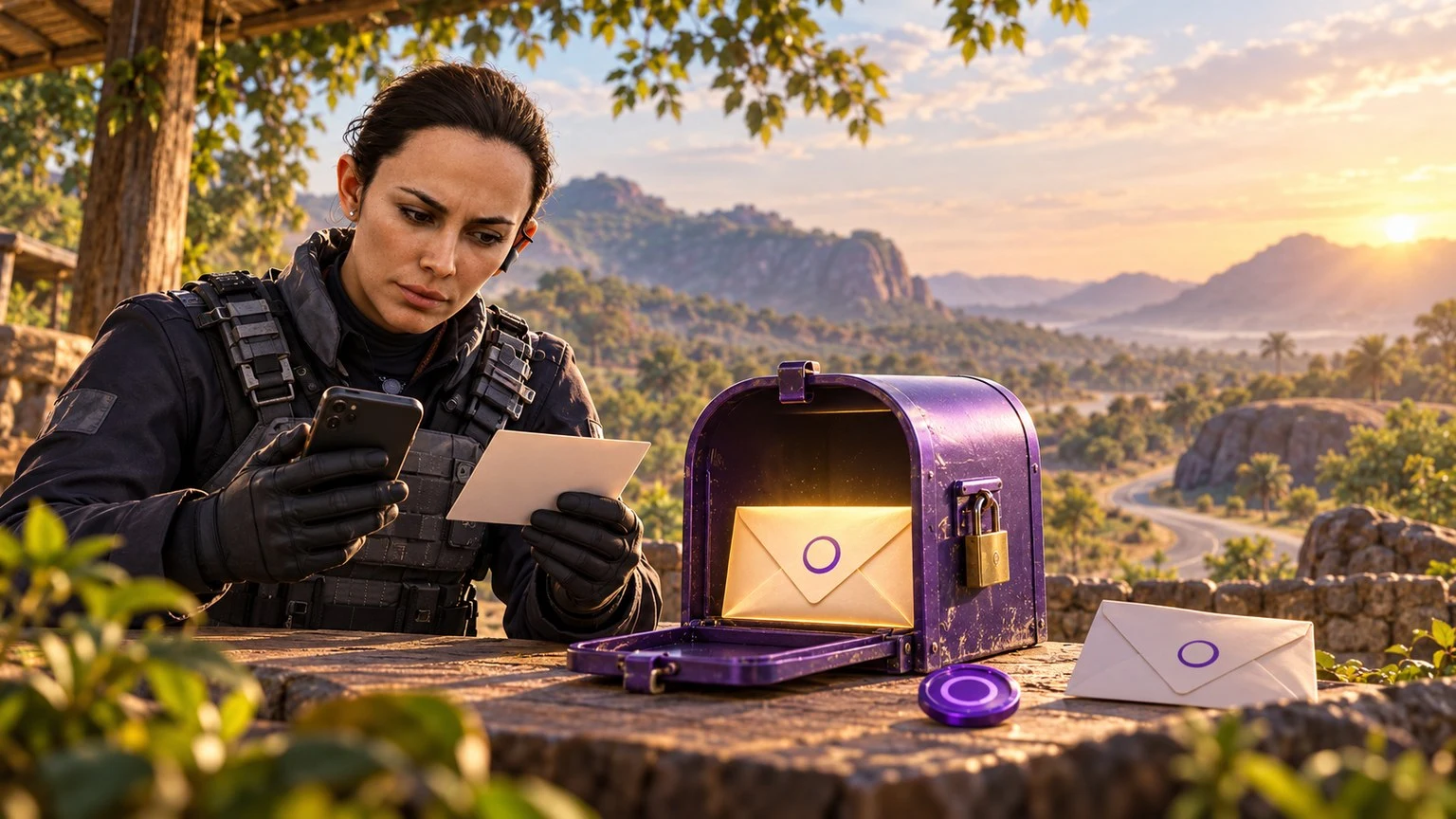
Email-based game delivery is convenient only when the buyer understands which address is required. A checkout may ask for a delivery email, while the game itself may use an account email, Microsoft account, Activision account, Player ID, server or region. These fields are not automatically interchangeable.
This Monaragala guide explains how to prepare the correct account details, protect email access, find delayed delivery messages and avoid sending digital products to an address that the player cannot open.
Identify What the Product Actually Needs
Before ordering from HTGTopUp.com, open the exact product page and read every field. Different delivery systems use different identifiers. A direct game top-up may require a UID and server. A code may be sent to an email address. A platform product may have region requirements. Minecoins involve a Microsoft account in supported purchase and redemption flows.
Do not assume that the email used to register on the store must be the same as the game-account email. If the checkout says “delivery email,” use an inbox you can access now and check for spelling. If it specifically requires the account email, confirm the address inside the game's official account settings.
Monaragala District covers a wide area, including towns such as Monaragala, Wellawaya, Bibile, Buttala and Siyambalanduwa. A customer using limited mobile data should collect the needed account details before starting payment so the checkout is not left open while searching several applications.
Delivery Email, Login Email and Recovery Email
Delivery email
This is the inbox where an order confirmation, code or digital delivery may be sent. It should belong to the buyer or intended recipient and must be accessible. A delivery email alone does not give the seller access to the game account.
Login or account email
This address identifies an account with a publisher or platform. Activision, Microsoft and other services can use it for login, profile changes or verification. Changing it may require authentication and can affect account access.
Recovery email
A recovery address may be used to restore access or verify sensitive changes. It should be protected with a unique password and two-step verification. Do not use a temporary inbox for an account that holds paid content or progress.
Store account email
The email on an HTGTopUp.com customer account may be used for store communication and order records. Always follow the current product field instructions instead of assuming that this address will be copied to every delivery.
Check an Email Address Character by Character
Email mistakes can be difficult to reverse after a code is delivered. Copy and paste when possible, but still inspect the result. Invisible spaces, autofill and selecting an old address can create errors.
- Confirm the username before the @ symbol.
- Check the provider domain and ending.
- Remove spaces at the beginning or end.
- Verify dots, underscores and numbers.
- Send yourself a test message if the inbox has not been used recently.
- Open the inbox before payment to confirm the password works.
Do not use an email address belonging to a shop assistant, friend or reseller unless that person is the intended recipient and the product terms allow it. The buyer should know who controls the inbox and how the delivered item will reach the correct player.
Call of Duty and Activision Account Details
Activision's official account guidance recommends using an email address from a reliable provider and avoiding addresses that may become inaccessible, such as a temporary work or education account. Losing inbox access can prevent account changes and may affect login or recovery.
Activision accounts can link platform accounts and support cross-progression in compatible games. That makes the main account email important. A customer should verify the Activision account and linked platform before buying a region- or platform-dependent product.
Activision's September 2026 account-management guidance says account-email changes require verification and that two-factor authentication should be enabled. Its August 2026 email-verification guidance also explains that unexpected verification messages can indicate suspicious activity. If you receive a verification request you did not initiate, use official account controls and change the password.
Never send an Activision password, two-factor code or backup code to a top-up seller. HTG order fields use the identifiers described on the product page, not control of the player's account.
Minecraft Minecoins and the Microsoft Account
Minecraft's official Minecoins information states that buying Minecoins on Minecraft.net or through the Marketplace in Minecraft: Bedrock Edition requires a Microsoft account. The official FAQ also says purchased Minecoins can carry between supported games when the player signs in with the Microsoft account used for the purchase.
This makes account selection critical on shared devices. Before redeeming or checking a balance, confirm which Microsoft account is signed into Minecraft. A family may have several accounts on one device, and the visible gamertag or email should match the intended player.
If HTG's current product uses email delivery, enter an accessible delivery inbox exactly as instructed. If it needs the Microsoft account email, use the address associated with the intended account. Do not guess based on the device owner's email.
For a code product, keep the email and code private. Redeem it only on the official Minecraft or Microsoft route stated in the instructions. A code posted publicly or forwarded to the wrong person may be claimed before the intended player uses it.
A Fictional Example: Two Accounts on One Tablet
This is an illustrative fictional example, not a customer testimonial.
Ravini lives near Wellawaya and shares a tablet with her younger brother. Each has a different Microsoft account for Minecraft. Ravini wants to buy Minecoins as a birthday gift, but the tablet currently opens Minecraft under her own profile.
Before ordering, she asks her brother to show the gamertag and Microsoft account associated with his game. They sign out and confirm his profile. Ravini then opens the HTG product page, reads whether the order requires a delivery email or an account email and enters the appropriate address.
She pays once using a supported option displayed at checkout, saves the receipt and keeps the delivery message private. She does not send the Microsoft password to anyone. After following the official redemption instructions, they confirm the balance while signed into her brother's account.
The example shows why “the email on the tablet” is not enough. The correct destination depends on the product instructions and the account that should own the digital value.
What to Do When the Delivery Email Does Not Arrive
First confirm that payment and the order were completed. A missing email may be caused by a pending order rather than an inbox problem. Then check the following locations:
- Spam, junk and promotions folders.
- All Mail or archive views.
- Blocked-sender and filtering rules.
- Storage limits on the mailbox.
- The exact email entered on the order.
Search using the merchant or order reference rather than generic terms such as “game.” Allow reasonable processing time shown by the order, but do not invent a delivery estimate. Use the status and instructions displayed by HTGTopUp.com.
If the message is still missing, contact verified HTG support with the order reference, product, payment reference and the email as entered. You can partially mask the address in a public conversation, but support may need the full delivery address through a private verified channel to match the order.
Do not place another order merely to test whether email works. That can create a second charge and a second digital product.
Protect the Inbox That Protects the Game
An account email is often the route for password resets, security alerts and verification. If an attacker controls that inbox, they may be able to take over linked accounts.
- Use a unique password not reused on the game or store.
- Enable two-factor authentication from the email provider.
- Keep backup codes offline in a secure place.
- Review recovery phone numbers and alternate emails.
- Sign out old devices and remove unfamiliar sessions.
- Do not approve a verification request you did not initiate.
A legitimate order confirmation will not require you to reply with a password, OTP, PIN or CVV. Open important account links by navigating to the official publisher website instead of trusting an unexpected message.
Combine Email Checks With UID, Server and Region Checks
Some orders use no email delivery at all. A direct top-up may depend on the Player ID or UID, plus a server or zone. Gift cards may depend on a region. Read each field independently.
Before checkout
- Open the intended game profile.
- Copy the UID instead of typing from memory.
- Confirm the server, zone or region when requested.
- Verify the product is compatible with the account.
- Check the delivery email and account email are used in the correct fields.
Display names are not always unique and should not replace a required numeric identifier. Likewise, an email address should not be entered in a UID field simply because it is easier to remember.
Payment and Record-Keeping
HTGTopUp.com shows current products, competitive rates and available payment methods. Depending on live checkout support, options may include Visa, Mastercard, EzCash and a supported QR method. Confirm the amount, product and destination before authorising payment.
Save the order number, transaction reference, delivery email, game identifier, region and receipt. Keep this information in a private folder. Do not post an unredacted screenshot in a public comment or group.
If payment is interrupted, check the payment provider and order status before trying again. For a completed deduction with no confirmation, contact verified support with the existing references. Never share payment credentials or the game-account password.
Prepare for Delivery on a Low-Data Connection
A weak connection does not change which account details are required, but preparation can reduce the chance of leaving checkout halfway through. Before starting, write the required UID, server, region and delivery email in a private note. Open the inbox once to confirm that it synchronises and that storage is available.
Do not save passwords, OTPs or payment credentials in the same note. The note should contain only the non-secret order fields that the official product page requests.
- Update the email application using a trusted connection before ordering.
- Download no unrelated files during checkout.
- Keep enough battery power to complete payment and receive confirmation.
- Use the official website address rather than a forwarded checkout link.
- Wait for the final order page and save its reference.
- If the signal drops after payment, check transaction history before retrying.
When delivery arrives, save the message for the period needed to confirm redemption and support. If the message contains a code, do not forward it into a public group or leave it visible on a shared device. After successful use, keep the receipt and order reference but continue protecting any code information that could remain sensitive.
Customers in remote parts of Monaragala should avoid asking an unknown third party to log in on their behalf. If help is needed, a trusted family member can assist with reading instructions while the account owner enters private credentials directly into the official service.
Frequently Asked Questions
Is the delivery email always the game login email?
No. It may simply be the inbox used to receive a code or confirmation. Follow the exact label and instructions on the product page.
Can I use a friend's email for delivery?
Use an address controlled by the intended recipient and only when the product permits it. Understand that whoever controls the inbox may see or claim the delivered code.
Which email is needed for Minecoins?
Official Minecoins flows use a Microsoft account, but an HTG product may separately ask for a delivery email. Read the current product instructions and verify the intended Microsoft account.
What if I cannot access my Activision email?
Use Activision's official account-support process. Activision warns that loss of email access can restrict changes and that support may be limited by security requirements.
Should I send my password so support can check delivery?
No. Never send game, Microsoft, Activision or email passwords. Do not share OTPs, two-factor codes, PINs, CVVs or recovery codes.
Why is region important for an emailed code?
Digital codes and gift cards can have account or store-region conditions. Confirm compatibility before buying; email delivery does not remove region restrictions.
Where can I read official guidance?
Review Activision account management, Activision email verification, the Minecoins page and HTG's Minecraft Coins availability and email-delivery guide.
Top Up Your Favourite Games
If you're looking for a trusted place to top up your favourite games including Free Fire, PUBG Mobile, Mobile Legends, Blood Strike, and Call of Duty, visit HTGTopUp.com for fast digital game top-up services. Website: https://htgtopup.com.