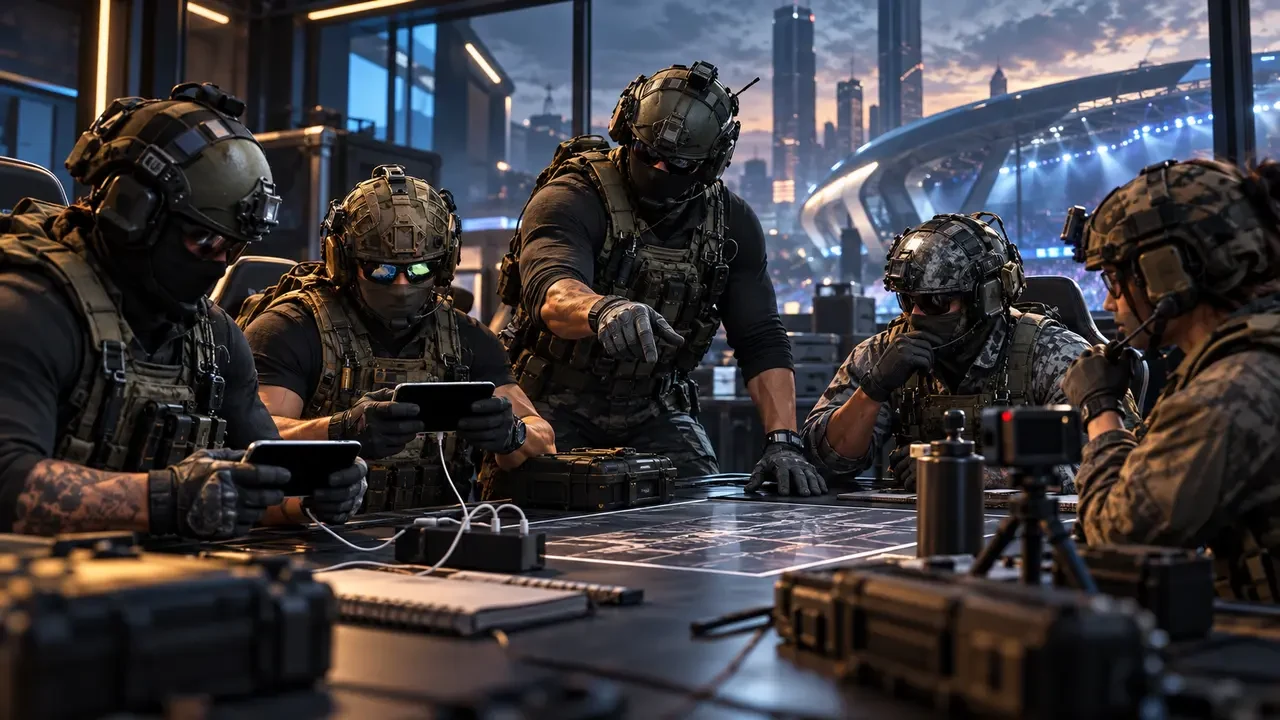
Why Tournament Preparation Starts Before Practice
A strong mobile esports team can lose before the first map if its registration, roster or equipment does not meet the organiser’s rules. Mechanical skill matters, but competitive readiness also depends on accurate accounts, eligible players, legal devices, approved loadouts, punctual check-ins and clear match evidence.
This guide uses the official Call of Duty: Mobile World Championship 2026 FAQ, rules and esports settings as a verified example. Other games and community tournaments can use different ages, regions, team sizes, platforms and proof standards. Always treat the organiser’s current rulebook and event messages as the final authority.
The goal is to turn tournament administration into a repeatable squad routine. One captain owns the checklist, every player confirms their own details, and the team completes a final verification before entering the lobby.
Confirm Eligibility Before Building the Roster
Eligibility is the first filter. The 2026 COD Mobile World Championship FAQ states that players must be at least 18, keep their relevant accounts in good standing and compete with an account associated with an eligible jurisdiction. The full rules can distinguish between stages and regions, so simply seeing your country mentioned is not enough.
For Sri Lankan players, the 2026 official rules list Sri Lanka among regions permitted for the Solo Qualifier and Team Qualifier only. That wording does not automatically grant access to every later stage. Players should review the live rules and official communications before assuming a pathway beyond those qualifiers.
- Verify the minimum age on the event’s start or participation date.
- Confirm that every account is in good standing.
- Check the country, region and stage-specific eligibility separately.
- Use the correct in-game region and never mask a location.
- Read any platform terms required for registration.
If a rule is unclear, contact tournament administration before registering. A screenshot from an unofficial group or an older season cannot replace the current published requirements.
Record Player Details Exactly
Registration errors often begin with inconsistent names. Build one verified roster sheet containing each player’s legal name where required, in-game username, player identifier, registered email, country, role and contact method. Usernames may be case-sensitive, so copy them directly instead of retyping from memory.
Keep sensitive identity documents outside ordinary team chats. If the organiser requests proof, use only its official submission channel. The captain should store a simple confirmation that verification was completed, not circulate unnecessary personal data.
The COD Mobile 2026 FAQ says a team must have five players and may include a sixth substitute. It also says one player cannot belong to more than one team at the same time, and the person forming the roster becomes captain. Those details are specific to that competition; another tournament may use a different roster size.
Understand Roster Locks and Continuity
Before anyone joins another team, check the roster-lock rules. In the COD Mobile Team Qualifier, the FAQ says the team cannot be disbanded after it plays one ranked match until the qualifier ends. A player may leave and join another roster, but that does not mean every later competition will preserve the team’s points or eligibility.
The 2026 championship also uses roster continuity for World Championship Points. The FAQ explains that players present when a roster earns its first WCPS points become Anchor Players, and the roster must retain three of six Anchor Players during the year to keep its points. A casual replacement can therefore have consequences beyond one match.
- Confirm the main five and substitute before the first official game.
- Document who is authorised to accept invitations or roster changes.
- Check whether a change affects accumulated points or seeding.
- Do not promise a new player a slot until administration confirms eligibility.
- Keep a dated record of approved roster changes.
A clear substitution plan should also identify which roles the substitute can cover and which loadouts have already been checked.
Check Devices and External Equipment
Device rules can change between in-game qualifiers, online tournaments and LAN finals. The COD Mobile FAQ permits eligible tablets during Solo and Team Qualifiers but says tablets cannot be used for WCPS Online Tournaments until the World Championship Finals. It also sets a screen-size requirement below 7.5 inches for Summer and Fall Split tournaments and the Finals.
The same FAQ prohibits external devices or attachments that modify game controls unless administration expressly permits them. Physical cases or fans are allowed only when they do not plug into the phone, run software or provide direct inputs. Players should not assume that a controller, trigger or mapping tool is legal because it works in normal matchmaking.
Before tournament day, list each player’s phone model, screen size, operating system, accessories and charging plan. Update and restart early, then avoid unnecessary changes. Test recording, storage space, notifications and network stability without installing unapproved software.
Verify Competitive Settings and Loadouts
Official competitive settings are different from ordinary ranked play. The COD Mobile esports-settings page specifies mode settings, map pools, veto procedures, unique Operator Skill rules, weapon-class roles and restricted content. A captain should check that page again near match time because tournament administration can update rules.
For the 2026 Summer Split, Fall Split and Finals, teams assign two weapon-class roles to each player from a limited role pool and declare them before a series. Players cannot equip primary weapons outside their declared roles for that series. The settings also prevent two living teammates from using the same Operator Skill at the same time.
New functional content is generally treated as restricted for 21 days after international availability, but administration can change the timing. The official page instructs players to ask administration about uncertain content before use. Do not rely on a creator’s loadout video as proof that an item is tournament legal.
- Check the current restricted list, not a saved copy from last month.
- Confirm every primary weapon, attachment, perk and utility item.
- Declare weapon-class roles using the organiser’s process.
- Coordinate unique Operator Skills before spawning.
- Create verified tournament loadouts and avoid last-minute experiments.
Prepare the Lobby and Veto Process
The lobby host carries extra responsibility. Official COD Mobile settings state that the higher seed hosts certain split and finals series and must select the correct map and mode. The published best-of-five order is Hardpoint, Search and Destroy, Control, Hardpoint and Search and Destroy, with maps and starting sides determined through vetoes.
Your event may use another format, so build the lobby from its match page, not from habit. The host and opposing captain should confirm the room, mode, map, side, score limit and allowed spectators before starting.
| Check | Owner | Evidence |
|---|---|---|
| Map and mode | Lobby host | Pre-match screenshot |
| Starting side | Captain | Veto record |
| Player roster | Both captains | Lobby screenshot |
| Legal roles and skills | Team manager | Confirmed loadout sheet |
| Recording active | Assigned recorder | Short test clip |
Do not begin while a disagreement remains unresolved. Ask administration before the map rather than arguing after it.
Create Match Proof That Can Actually Be Used
The COD Mobile rules recommend using the phone’s built-in recording system. At least one member of each team should capture video or screenshots of every game result. Official proof should clearly show the score, all players on both teams and a timestamp.
Assign a primary recorder and a backup. Before the event, confirm that both devices have enough storage and that recording does not make the game unstable. Start early enough to capture the lobby and settings, then preserve the final scoreboard before leaving.
Use a predictable filename after each map, such as the event, opponent, mode and map number. Keep the original file unchanged. If a dispute occurs, note the exact time in the video and explain what administration should review. The rules state that dispute evidence may be submitted through live support or an appropriate score-dispute ticket with a link to the image or video.
- Capture the lobby and both complete rosters.
- Capture the final score and player list.
- Retain the full original recording until the dispute window closes.
- Do not crop away information needed to verify the match.
- Back up the file before clearing phone storage.
Report Results and Problems on Time
Tournament deadlines continue after the final scoreboard. The COD Mobile rules require teams to report results within ten minutes of match completion and provide a ten-minute no-show grace period in the cited competition. Other events may use shorter or longer windows, so record the applicable times before the series.
If a major bug, disconnect or rule issue occurs, do not invent a remedy with the opposing team. Capture evidence and contact the authorised tournament official. The rulebook gives administration discretion over restarts and disputes. Continuing without reporting can make the situation harder to verify.
The captain should maintain one communication channel for official messages while a second team member preserves evidence. This division avoids a situation where the only recorder closes the result screen to search for support.
Tournament-Day Checklist
Before check-in
- Confirm eligibility, region, age and account standing.
- Lock the roster and substitute according to current rules.
- Verify devices, accessories, storage and internet backup.
- Update legal tournament loadouts and role declarations.
- Read all organiser announcements issued after registration.
Before each map
- Confirm lobby host, map, mode, side and veto result.
- Check every expected player is present on the correct account.
- Start primary and backup recording.
- Resolve unclear settings through administration before playing.
After each map
- Capture the complete scoreboard and player list.
- Save the original video with a clear filename.
- Report the result within the official deadline.
- Escalate disputes with specific timestamps and evidence.
This checklist cannot replace a tournament rulebook. It gives the squad a repeatable way to apply one accurately.
Final Competitive Reminder
Rules can change during an esports season. The official COD Mobile rulebook says tournament administration may update, amend or supplement requirements and may issue event-specific instructions. Check the live sources again before every tournament stage.
Good administration supports good gameplay. When eligibility, roster continuity, devices, loadouts, lobby settings and proof are already controlled, players can focus on communication and execution. That preparation also protects both teams when a genuine technical issue needs an impartial ruling.
Top Up Your Favourite Games
If you're looking for a trusted place to top up your favourite games including Free Fire, PUBG Mobile, Mobile Legends, Blood Strike, and Call of Duty, visit HTGTopUp.com for fast digital game top-up services. Website: https://htgtopup.com.