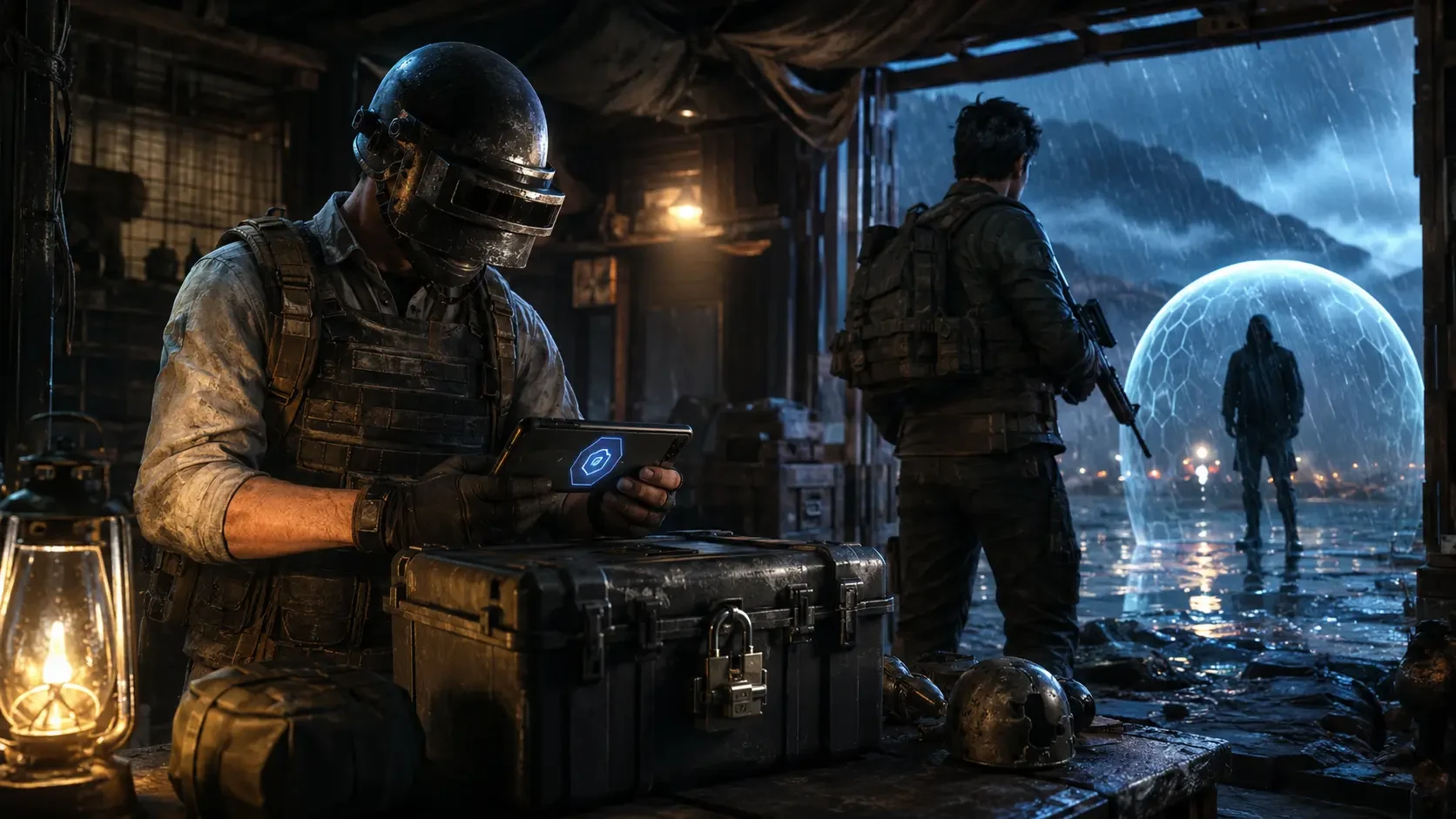
A PUBG Mobile account can represent years of matches, teammates, progression and collected items. Protecting it deserves the same attention as improving aim or learning a new map. The safest approach is to prepare before anything goes wrong: strengthen every connected login, limit who can access the account, recognise fake support messages and keep enough information to explain a genuine problem clearly.
This PUBG Mobile account security guide combines official publisher guidance with a practical checklist. It covers safer login linking, the official recovery tool, scam warning signs and what to do when you notice suspicious activity. It does not offer shortcuts, unofficial recovery services or ways around platform rules.
Why Account Security Needs More Than One Password
Players often focus on the game account while forgetting that access may depend on an email address, phone number or social platform. If one connected service is weak, reused or abandoned, it can become the easiest route into the account.
PUBG Mobile's Ban Pan 3.0 update, published on April 15, 2026, highlighted account-security improvements including a Quick Multi-Link feature for eligible players with an authorised linked email. The important lesson is broader than one feature: your linked methods should belong to you, remain accessible and be protected independently.
A secure setup has no single easy point of failure. It also avoids unnecessary links that you no longer control. Review the login methods visible inside the game and then secure the external accounts behind them.
Create a Safer Login Foundation
Use a unique password for every connected service
Do not reuse the same password for your game-related email, social account and other websites. Reuse allows one unrelated data leak to threaten several accounts. A password manager can generate and store long, unique passwords so you do not have to memorise every one.
Turn on stronger verification where available
Enable the strongest sign-in verification supported by your linked email or social platform. An authenticator app or passkey is generally more resistant to message interception than a password alone. Save recovery codes somewhere private and offline rather than in a public chat or shared gallery.
Protect the email account first
Your email can be the key to password resets and security alerts. Check its recovery phone number, backup email, active sessions and forwarding rules. Remove devices you do not recognise and update any recovery option you no longer control.
Keep your own device private
Use a screen lock, install operating-system updates and avoid saving login details on shared phones. Do not leave a game account signed in at a shop, café or friend's device. If another person needs to play, they should use their own account rather than yours.
Linking Methods: More Access Should Mean More Control
Linking additional methods can improve resilience only when every linked method is secure. Connecting an old social account with a weak password creates another door rather than another safety layer.
- Link only accounts that you personally own and can access.
- Confirm the email address and phone number are current before relying on them.
- Secure each linked service with a different password and its own verification.
- Do not link a buyer's, seller's, friend's or temporary account.
- Review unfamiliar login alerts immediately instead of dismissing them.
Never make account-link changes because an unknown person sends instructions through WhatsApp, Telegram, Discord or social media. Open PUBG Mobile yourself and use official in-game or publisher channels. A genuine security action should not require handing your verification code to another person.
Understand the Official Recovery Tool Before an Emergency
PUBG Mobile's official Account Recovery Tool Guide was published on September 15, 2025. Its warnings are direct: do not let anyone else use the recovery tool on your account, and do not use it on another person's account.
The guide also explains that selecting Account Recovery removes the account's previously linked login methods and links the email address or phone number supplied through the process. That makes recovery a serious ownership action, not a harmless test button.
Prepare evidence you can access
Keep a private record of your player name, numerical player ID, approximate account-creation period and the devices you normally use. Preserve legitimate purchase receipts and transaction references. Do not publish these records or send them to random people who claim they can recover the account.
Describe the problem accurately
If official support asks for information, separate what you know from what you suspect. State when you last accessed the account, which login method stopped working, what unfamiliar change you noticed and what troubleshooting you already attempted. Clear facts are more useful than guesses.
Avoid repeated experiments
When access changes unexpectedly, do not keep entering credentials into different websites or accepting help from strangers. Pause, secure the linked email and social accounts, then follow the official recovery route.
Recognise Fake PUBG Mobile Staff and Recovery Scams
PUBG Mobile published an official warning about scammers impersonating staff on August 19, 2025. The warning covers people who claim they can lift bans, guarantee accounts, provide logins or deliver special account services. Treat those promises as danger signals.
| Warning sign | Why it is dangerous | Safer response |
|---|---|---|
| Requests for a verification code | The code may authorise a login or account change | Do not share it; review the real service directly |
| Promises to remove a ban for payment | The person may be impersonating support | Use only official appeal or support channels |
| Urgent links sent in private chat | The page may steal credentials | Navigate to the official site yourself |
| Requests to screen-share a login | Passwords, codes and personal data may be exposed | Stop the session and change compromised credentials |
| Account sale or exchange guarantees | Ownership and linked methods can be disputed | Keep your account personal and follow game rules |
Check the full domain before signing in. A copied logo, polished design or familiar profile picture does not prove that a page or person is official. Search results and sponsored posts can also lead to imitations, so use bookmarked official pages or links opened from the game.
What to Do After a Suspicious Login or Account Change
- Secure the connected email: change its password, review sessions and remove unknown recovery options or forwarding rules.
- Secure linked social accounts: update their unique passwords and review connected applications and devices.
- Check your device: uninstall suspicious applications, update the operating system and scan with trusted security tools where supported.
- Record what happened: note the date, time, alert, device and changes you observed. Keep original screenshots privately.
- Use official PUBG Mobile support: start recovery or submit a report only through the official game, Security Center or official support link.
- Warn trusted teammates: if the account is sending unusual links or requests, tell friends not to respond until access is restored.
Do not confront an unknown intruder or pay someone who claims to hold the account. Payment does not prove they can return access and may expose more financial or personal information.
Avoid Tools That Put the Account at Risk
Security is not only about passwords. Unofficial plug-ins, modified applications, scripts, skin tools, boosting services and unknown configuration packages can expose credentials or create policy violations. A tool that promises free items, improved aim or a rank shortcut may be designed to capture your login or device permissions.
- Install PUBG Mobile and updates through official distribution channels for your device.
- Do not grant accessibility, screen-capture or notification permissions to an unknown helper app.
- Avoid files sent through private groups with claims of exclusive rewards.
- Never enter login information on a page reached through a prize message.
- Use the official reporting functions for cheating, fraud and impersonation.
Remember that a cosmetic offer is not worth risking the entire account. Stop when a promotion requires secret steps, unusual permissions or credentials that the game itself would not normally ask you to share.
Safe Top-Up Habits for PUBG Mobile Players
A normal player-ID top-up should not require your game password, email password, social-media password or one-time verification code. Before paying, confirm the product, player identifier, region and amount. Read the seller's stated process and keep the payment and order reference until delivery is confirmed.
If someone contacts you after an order and asks for credentials to “complete verification,” stop and contact the store through its published support channel. Do not continue through a new personal number or copied profile. Legitimate order support should be able to identify the order without taking ownership of your game login.
Monthly PUBG Mobile Security Check
A five-minute monthly review can prevent an old weakness from becoming an emergency.
- Confirm that every linked email, phone and social account still belongs to you.
- Review active sessions and sign out devices you no longer use.
- Check that recovery details and backup codes are current and private.
- Update weak or reused passwords.
- Remove suspicious apps and unnecessary permissions from your phone.
- Make sure your private ownership and purchase records remain readable.
- Remind squad members that codes and passwords should never be shared.
The best recovery plan begins before recovery is needed. Strong linked accounts, private records and calm use of official channels give you a clearer response when something looks wrong.
Official Sources
Top Up Your Favourite Games
If you're looking for a trusted place to top up your favourite games including Free Fire, PUBG Mobile, Mobile Legends, Blood Strike, and Call of Duty, visit HTGTopUp.com for fast digital game top-up services. Website: https://htgtopup.com.