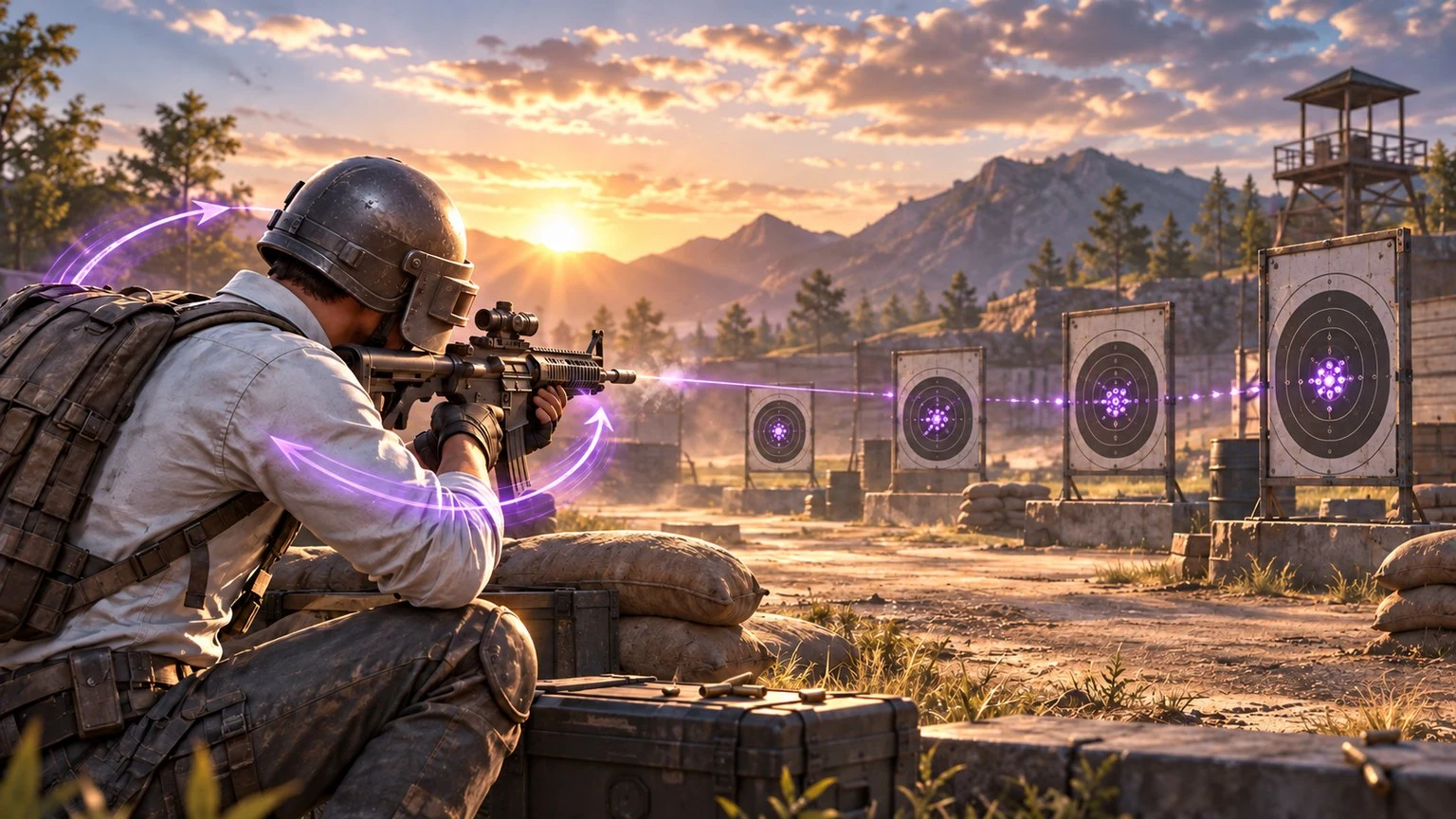
Gyroscope aim can make recoil control feel more natural in PUBG Mobile because the player guides the camera by tilting the device instead of relying only on a thumb swipe. It is not an instant accuracy shortcut, however. The setting becomes useful only after the player chooses a comfortable mode, calibrates each scope gradually and practises repeatable movements.
This guide provides a device-neutral training system for new and intermediate gyro players. It avoids universal sensitivity numbers because screen size, sensor response, grip, frame stability and personal mobility all change how the same value feels.
What Gyroscope Control Actually Does
A phone contains motion sensors that can translate device rotation into camera or aim movement. With gyroscope control enabled, a small downward tilt can help counter a weapon's upward climb, while gentle left or right rotation can correct horizontal drift or follow a moving target.
PUBG Mobile has officially supported separate sensitivity settings, shared control and sensitivity codes, quick sensitivity adjustment in Training Grounds, gyroscope adjustment while aiming down sights and a vertical inversion option. These features make it possible to build a personal setup instead of accepting one copied profile.
Gyroscope does not replace every touch input. Most players still use their thumbs for movement, broad camera turns, firing, leaning, crouching and other controls. The sensor is most helpful for fine corrections, recoil management and tracking after the crosshair is already near the target.
Choose a Gyroscope Mode Before Changing Numbers
Scope-only use
A scope-only or ADS-focused approach limits gyro movement to situations where the player aims. This can be easier for a beginner because normal camera movement remains familiar. It is a practical first step for learning downward recoil compensation without rebuilding every habit at once.
Always-on use
Always-on gyro can assist hip-fire corrections, close-range tracking and pre-aiming before the scope opens. It offers more control opportunities, but the camera may move whenever the device moves. Beginners should expect an adjustment period and should not change to always-on immediately before ranked matches.
Vertical inversion
PUBG Mobile's official update notes confirm that the game supports an inversion option for gyroscope movement. This is a preference, not a performance advantage. Choose the direction that feels intuitive, then keep it consistent during the training period.
Commit to one mode for several practice sessions. Switching between scope-only, always-on and inverted control every few minutes makes it difficult to identify whether a problem comes from sensitivity or unfamiliar movement.
Understand the Three Sensitivity Layers
Players often change a gyro value while the real problem belongs to another sensitivity layer. The labels and available options can change with updates, so read the current descriptions inside the game. In practical terms, think about the settings as three connected jobs.
Camera sensitivity
Camera sensitivity affects how quickly the view moves when looking around with touch controls. It influences target acquisition and scanning, but it should not be confused with the sensor movement used to control recoil.
ADS sensitivity
ADS sensitivity relates to aim movement while aiming down sights through touch input. A player who uses both thumb drag and gyro can combine these two inputs, so an excessive ADS value may make the final correction feel unstable.
Gyroscope sensitivity
Gyroscope sensitivity determines how strongly device rotation moves the aim. A higher value needs less physical tilt for a given correction; a lower value requires more movement. Neither direction is automatically better. The goal is enough range to control recoil without introducing tremor or overshooting.
Calibrate One Scope at a Time
Open Training Grounds, choose one familiar weapon and attach only the equipment needed for the test. PUBG Mobile's official patch notes describe quick sensitivity adjustment in Training Grounds, which makes this environment suitable for controlled experiments.
- Begin with a stationary wall or circular target. Stand at a repeatable distance and fire a short burst without trying to correct it. Observe the natural climb.
- Apply one smooth downward tilt. Do not shake or pull in several directions. The movement should feel like rotating the phone slightly toward the floor.
- Change only the active scope. Make a small adjustment, repeat the same burst and compare the grouping.
- Stop when control becomes predictable. A perfect pattern is unnecessary. Look for repeatable vertical control without strong downward overcorrection.
- Save the result before moving on. Test the next scope separately instead of changing several values together.
Red-dot and low-magnification sights are useful starting points because they appear frequently in close and medium fights. Higher magnification requires smaller, steadier corrections and should be calibrated after the player understands the basic tilt.
Diagnose Common Recoil Patterns
The spray climbs above the target
The downward tilt may be too small, the gyro value may be too low, or the movement may begin late. First practise starting the tilt at the same moment as the burst. Increase sensitivity only if the required physical movement feels uncomfortable or reaches the limit of your grip.
The spray falls below the target
This usually indicates too much downward motion. Reduce the physical tilt before changing the setting. If even a tiny movement pulls the aim down sharply, lower that scope's gyro sensitivity slightly.
The sight shakes around the target
The value may be amplifying natural hand tremor, but posture also matters. Rest the elbows lightly, relax the shoulders and avoid squeezing the phone. Check whether unstable frame rate is making the feedback appear irregular before changing sensitivity.
Horizontal misses remain
Gyro can make fine sideways corrections, but horizontal weapon movement is not always fully predictable. Use controlled bursts, reset the crosshair between bursts and combine gentle sensor movement with touch input rather than forcing a long spray.
Close-range tracking feels slow
If always-on gyro is enabled, practise following a moving target without firing. Use the thumb for the broad turn and the gyro for the final adjustment. Trying to rotate the entire camera using only the wrists can make the grip unstable.
A 15-Minute Gyroscope Training Routine
Minutes 1–3: movement check
Aim at a circular plate and trace its edge with small device rotations. Move clockwise and anticlockwise. The objective is smoothness, not speed. If the crosshair jumps, relax the grip and reduce unnecessary wrist tension.
Minutes 4–7: short recoil bursts
Fire repeatable bursts at close and medium range. Return the crosshair to the same starting point before each attempt. Compare group height and width instead of judging a single lucky pattern.
Minutes 8–11: target transitions
Place the crosshair between two neutral targets. Use touch input for the main turn and gyro for the final correction. Alternate directions so one side does not become more comfortable than the other.
Minutes 12–15: movement and pressure
Add crouching, leaning or strafing while keeping the same short bursts. Finish with a Training Grounds challenge or an official World of Wonder target-training creation. The official PUBG Mobile WOW directory lists aim-training experiences for different weapons and distances.
End the session without changing more settings. Play a few unranked or low-pressure matches and record only one observation: too fast, too slow or comfortable. Use that note for the next calibration session.
Build a Stable Physical Setup
- Grip: hold the device securely without pressing so hard that the hands shake.
- Posture: keep the neck neutral and bring the screen toward eye level when possible.
- Elbow support: light support can improve steadiness, but do not lock the wrists.
- Screen condition: clean the display so thumb movement remains consistent.
- Performance: use graphics and frame-rate settings the device can sustain reliably.
- Temperature: pause if the device becomes unusually hot, because throttling can change responsiveness.
Remove a loose case if it shifts during tilt control, but keep appropriate protection for the device. Do not practise while charging if heat becomes excessive. Comfort and repeatability matter more than copying a professional player's hand position.
Why Sensitivity Codes Need Careful Testing
PUBG Mobile officially introduced the ability to generate and share control and sensitivity codes. A code is useful as a starting reference, especially when learning a layout from a trusted teammate, but it is not a guaranteed best setting.
Two devices can respond differently because of screen dimensions, touch sampling, sensor calibration, frame rate, case weight and the player's grip. Import a code only when you understand which settings it changes. Take screenshots of your current layout and sensitivity values before replacing them.
After importing, test in Training Grounds rather than ranked mode. Keep the values that feel controlled and adjust only one scope at a time. Avoid websites, videos or messages that ask for account credentials in exchange for a sensitivity code. A settings code should never require your password, verification code or payment details.
Match-Day Checklist
- Confirm that the correct gyro mode is still enabled.
- Check that the phone's screen rotation and physical orientation are comfortable.
- Warm up with the main close-range and medium-range sights.
- Do not make a large sensitivity change after one poor match.
- Use short bursts when the spray pattern becomes unstable.
- Keep the same frame-rate setting used during practice.
- Save or screenshot a stable setup before experimenting.
Consistency is the strongest signal that a configuration works. A setting that produces controllable groups across several sessions is more valuable than an extreme value that creates one impressive clip.
Frequently Asked Questions
Is gyroscope required to become a strong PUBG Mobile player?
No. It is an optional control method. Players can perform well with touch controls, gyro or a combination. Choose the system that is comfortable and train it consistently.
Should every scope use the same gyro sensitivity?
Not necessarily. Different magnifications change how motion appears on screen. Calibrate each scope separately with the same repeatable test.
Why does a copied sensitivity feel too fast?
The original player may use a different device, grip, frame rate or physical movement range. Treat shared settings as a baseline, not a final answer.
How often should sensitivity be changed?
Change it only when repeated testing reveals a clear pattern. Avoid changing values after every match, because normal aiming mistakes can be mistaken for a settings problem.
Can gyro control both recoil and target tracking?
Yes. Downward tilt can help manage vertical climb, while small sideways movement can refine tracking. Broad turns are usually easier with touch input.
Where should a beginner practise?
Begin in Training Grounds, then use suitable official World of Wonder aim-training creations or low-pressure modes before entering ranked matches.
Official Sources
Top Up Your Favourite Games
If you're looking for a trusted place to top up your favourite games including Free Fire, PUBG Mobile, Mobile Legends, Blood Strike, and Call of Duty, visit HTGTopUp.com for fast digital game top-up services. Website: https://htgtopup.com.