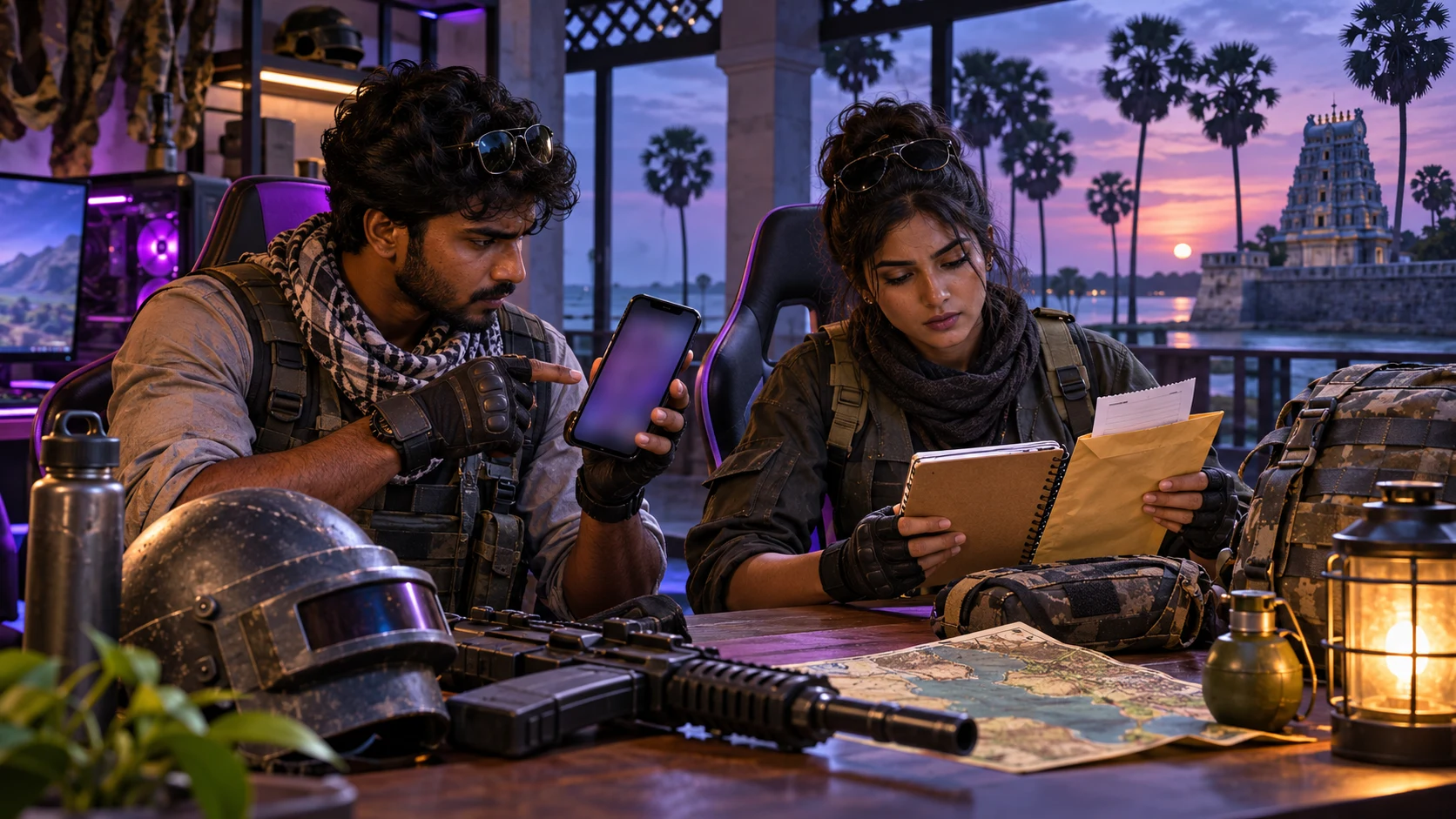
A PUBG Mobile top-up can look like a one-person purchase, but many real orders involve more than one person. A player may ask a parent to pay, a squad member may buy UC as a gift, or a family member may complete checkout from another phone. In those situations, the most important step is not speed. It is a clear approval process that confirms the account, product and payment before money is authorised.
This guide gives players and families in Jaffna a practical workflow for buying through HTGTopUp.com. It focuses on PUBG Mobile Player ID verification, purchase approval, safe payment evidence and account security. It does not promise a specific UC price, delivery time or product package, because those details can change. Always treat the live HTG product page and checkout as the current source for availability, quantity and the final LKR amount.
Why an Approval Workflow Is Better Than a Rushed Top-Up
A rushed order often begins with a message such as “send UC now” and a screenshot that may be old, cropped or taken from the wrong account. The payer then has to guess which player, product or amount was intended. An approval workflow replaces that guesswork with four short confirmations: who receives the item, what product is being purchased, how the payment will be made, and what evidence will be kept.
This is especially useful when the recipient and payer are in different places. A student in Jaffna town may send details to a parent in Chavakachcheri, or a squad member near Point Pedro may ask a friend elsewhere in the district to pay. The distance itself is not the risk. The risk is allowing incomplete information to move between several chats without one final review.
Use one designated order owner. That person collects the Player ID, opens the official HTG website, reads the live product details, confirms the checkout amount and stores the receipt. Other people can approve or pay, but they should not create parallel orders for the same request.
Find and Verify the Correct PUBG Mobile Player ID
PUBG Mobile’s official help information explains that the Character ID, also called the Player ID in the interface, appears below the in-game name after opening the player profile. It is a numeric identifier and should not be confused with the visible nickname. Nicknames can contain similar characters or change over time; the Player ID is the safer value to use when a product form requests it.
A three-view identity check
- Live profile view: Ask the recipient to open PUBG Mobile and show the current profile rather than sending only a typed number.
- Copied value: Copy the Player ID directly where possible. If it must be typed, compare the first digits, last digits and total length with the profile.
- Final order view: Before payment, read the submitted ID back to the recipient. If the product page displays an account name or confirmation, stop if it does not match.
A screenshot can help, but it should be treated as supporting evidence rather than automatic approval. Check that it shows the intended account, that the digits are not hidden by a crop, and that it was taken for the current order. Do not request or store more personal information than the purchase needs.
Never ask for the PUBG Mobile password, linked social-media password, email password, one-time code, recovery code or device login. A normal Player ID-based top-up should not require access to the game account. If someone says a password is needed to “verify” the player, stop and use official support channels.
Approve the Product Before Approving the Payment
“UC top-up” is not a complete instruction. The buyer must confirm the exact live product or quantity shown on the store. Product names, quantities, purchase conditions and availability may change, so do not rely on an old image, forwarded price list or previous order.
Open HTGTopUp.com directly and review the relevant PUBG Mobile listing that is available at that moment. Check the product description, the information requested, any regional or account conditions, and the final LKR amount at checkout. HTG describes its rates as competitive and clearly displayed; this guide does not use “best rate” or “lowest rate” because such claims require current product-specific evidence.
The five-line approval message
Before the payer authorises the transaction, send one consolidated message containing:
- Recipient’s in-game nickname for human recognition;
- verified PUBG Mobile Player ID;
- exact product name and quantity from the live page;
- final checkout amount in LKR; and
- name or initials of the person approving the purchase.
The payer should answer with a clear approval only after checking all five lines. A reaction emoji, missed call or vague “okay” can be misunderstood, especially in a busy squad chat. One written confirmation makes it easier to reconstruct what was approved if a question arises later.
Payment Options and a Safe Checkout Routine
HTGTopUp.com may present Visa, Mastercard, Dialog EzCash and supported QR payment methods through its current checkout flow. Availability can vary by product or gateway, so use only the options displayed for the order you are completing. Do not move to a replacement number or QR image supplied by an unknown person in a separate message.
- Confirm that the browser address is HTGTopUp.com before entering information.
- Review the product, Player ID and final amount once more.
- Select an available Visa, Mastercard, EzCash or supported QR route from checkout.
- Check the merchant or gateway context before authorising payment.
- Complete any bank or wallet authentication privately.
- Save the order number and payment reference after confirmation.
Never share a card PIN, CVV, one-time password, wallet PIN or full card image in a squad, family or support chat. A receipt screenshot should be cropped carefully so it proves the transaction without exposing unrelated balances or security credentials.
If the network drops during payment, do not immediately start a second checkout. First check the bank, card, wallet or gateway status, then review the HTG order record. A repeated payment can create another order instead of repairing the first transaction.
Example Scenario: A Family-Approved UC Purchase
Illustrative example only — this is not a real testimonial or recorded customer result.
Arun, an adult PUBG Mobile player in Jaffna, wants UC for his own account but asks his sister Meena to make the payment. Instead of sending only a nickname, Arun opens his profile and copies the Player ID. Meena compares the beginning and ending digits with a fresh screenshot, opens HTGTopUp.com herself and reads the current product details.
Before paying, Meena sends a five-line summary: Arun’s nickname, verified Player ID, selected product, checkout amount and her approval initials. Arun checks the summary and confirms that the account and product are correct. Meena chooses an available payment method shown at checkout, stores the order number and keeps a receipt that does not reveal any authentication code.
Suppose the connection pauses after she authorises the payment. She does not pay again. She checks the payment status and the same order first. If support is needed, she can provide the order number, payment reference, time and submitted Player ID without giving anyone Arun’s password. The value of this example is the process: one order owner, one approved identity, one payment and one evidence set.
Protect the PUBG Mobile Account Around the Purchase
PUBG Mobile has warned players about unauthorized purchase services and account practices that expose private information. Its official notices state that unauthorized purchases may lead to problems such as missing UC, account loss, illegal card use, removal of improperly obtained items or account penalties. Use verified purchase routes and avoid offers that depend on hidden methods or account access.
PUBG Mobile also recommends protecting linked access. Official account guidance has described email linking and abnormal-activity reminders, while separate security advice warns against account trading, rentals and logging in on another person’s device. Review current in-game security settings because menu names and features can change over time.
- Use an email address you control and can recover.
- Protect linked social or platform accounts with strong, unique passwords.
- Do not lend, rent, sell or buy accounts.
- Avoid entering credentials on links sent through random chats.
- Review unexpected login or account-change alerts promptly.
- Contact PUBG Mobile Player Support for game-account issues.
A top-up receipt proves a transaction; it does not grant ownership of an account and should never be used as a reason to request login access.
What to Save Until the Order Is Confirmed
Good records should identify the order without exposing secrets. Keep them together until the purchased digital item is confirmed on the intended account.
- HTG order number or order-history reference;
- exact product selected and quantity shown at purchase;
- submitted PUBG Mobile Player ID;
- final LKR amount and payment method;
- payment reference and completion time;
- receipt image with sensitive details hidden; and
- any support conversation linked to the same order.
Do not create a new support conversation for every update. Continue with the same order reference so the evidence remains connected. Do not edit a Player ID in a screenshot to “correct” an error; preserve the original evidence and explain what happened accurately.
HTG’s terms state that digital goods are final sale and that prices may be updated. That makes pre-payment verification important. Confirm the live amount and account details before placing the order rather than assuming a digital delivery can simply be reversed afterward.
Jaffna Buyer Checklist for Shared Decisions
This checklist is designed for an order where the player, approver and payer may be different people. Use it in one conversation rather than splitting details across several groups.
- Recipient opened the current PUBG Mobile profile.
- Player ID was copied and compared with the live profile.
- Nickname was used only as a secondary recognition check.
- Exact live product and quantity were selected.
- Checkout amount was confirmed in LKR.
- One person was assigned as the order owner.
- Payer used an option shown by HTG checkout.
- No password, PIN, CVV or one-time code was shared.
- Order number and safe receipt were stored.
- No duplicate payment was made after a connection interruption.
This approach works whether the people are in the same house or coordinating across Jaffna District. It is not about adding bureaucracy. It prevents the most expensive kind of confusion: a correctly paid order submitted for the wrong account or product.
Frequently Asked Questions
Is my PUBG Mobile nickname enough for a UC order?
No. Use the numeric Player ID when the product form requests it. PUBG Mobile’s official help explains that the ID appears below the in-game name on the profile. A nickname can help a person recognise the account, but it should not replace the requested identifier.
Can I send my password so another person can check the account?
No. Never share game, email, social-login or platform passwords for a normal top-up. Use the Player ID and non-sensitive order evidence. Contact official PUBG Mobile support for account-access problems.
What if a parent or friend is paying?
Send one written approval summary containing the recipient nickname, verified Player ID, exact product, current checkout amount and approver. The payer should use the same approved details and keep the receipt.
What should I do if payment appears stuck?
Check the bank, wallet or gateway status and the existing HTG order before attempting another payment. Preserve the payment reference and contact HTG about the same order if clarification is needed.
Are Visa, Mastercard, EzCash and QR always available?
They are supported payment routes, but the methods displayed can vary with the product or checkout flow. Use only the options visible for the current order.
Can an old price screenshot be used to approve today’s purchase?
No. Prices and products can change. Approve the product and final LKR amount shown on the live page at the time of checkout.
Should I use an extremely cheap UC offer from a private message?
Avoid unauthorized services and any offer that requires credentials or a hidden payment method. PUBG Mobile warns that unauthorized purchases can expose accounts and payment information and may lead to penalties.
Related HTG Guides and Next Step
For broader ordering principles, read the Game Top-Up Sri Lanka safety guide. Players who want a PUBG-specific security review can also use the PUBG Mobile account security guide. For payment evidence, see the Sri Lanka receipt and order-status guide.
When you are ready to buy, visit HTGTopUp.com, select the currently available PUBG Mobile product, verify the Player ID and approve the exact checkout details. Depending on the live flow, payment options can include Visa, Mastercard, Dialog EzCash and supported QR methods. Keep the receipt, and never share a game-account password.
Final Takeaway
A safe PUBG Mobile top-up in Jaffna is a small identity-and-payment project. One person owns the order, the recipient verifies the Player ID, the group approves the live product and amount, and the payer preserves non-sensitive evidence. If a connection fails, everyone checks the existing transaction before trying again.
That routine protects the player without relying on invented delivery promises or old price screenshots. It also makes support easier because the order number, submitted ID, payment reference and approval record all describe the same purchase.